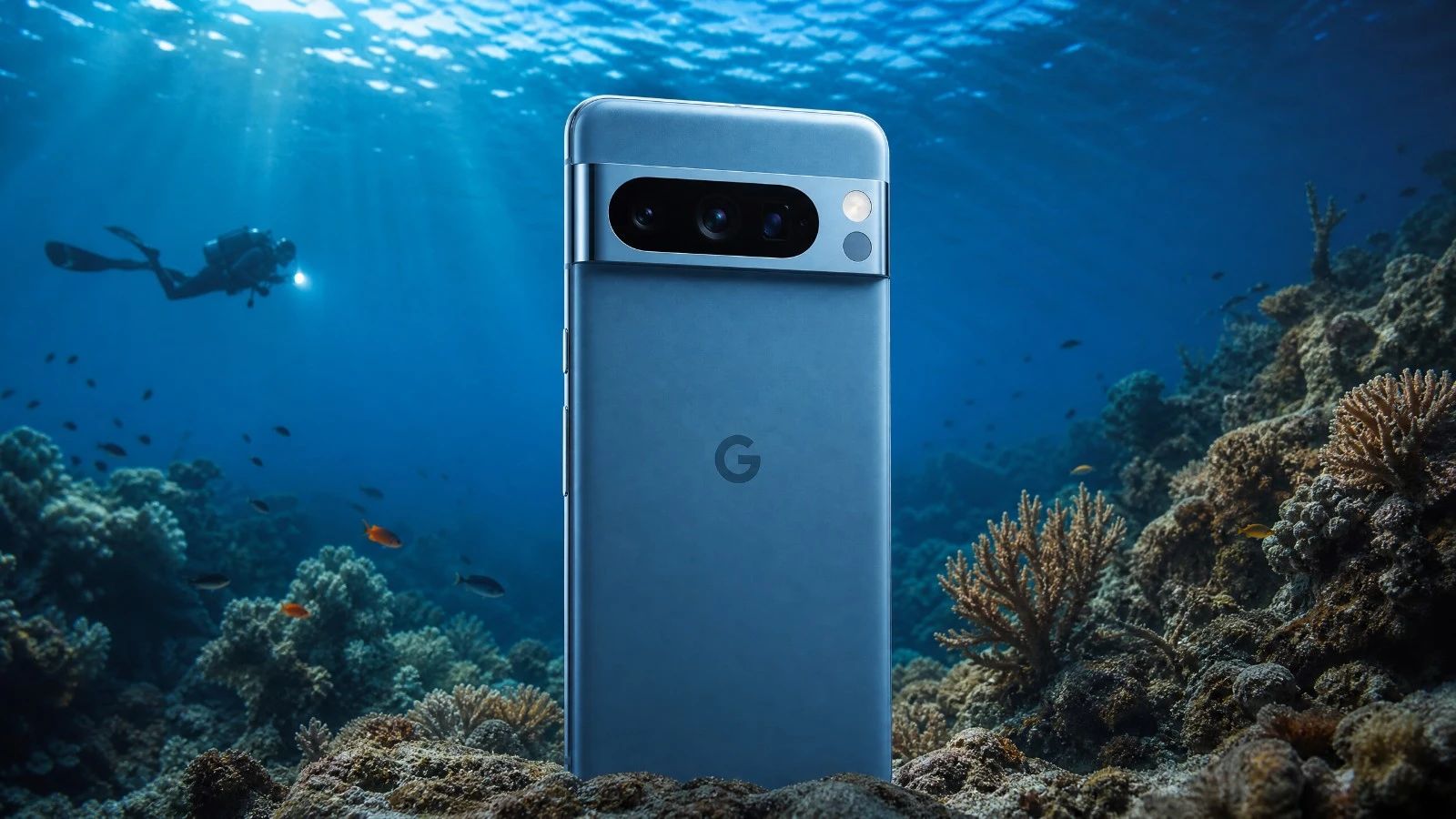
Is the Google Pixel 8 Pro suitable for underwater photography?
The Google Pixel 8 Pro is a good choice for underwater photography in natural light. Its image processing is excellent, and it produces beautiful colors. It's a reliable device for beginners or those looking to improve their skills.
What underwater housing is suitable for the Google Pixel 8 Pro when diving?
For the Google Pixel 8 Pro, the Divevolk SeaTouch 4 Max housing is the ideal solution. It is robust and allows you to use the touchscreen underwater- a significant advantage for ease of use.
Does the Google Pixel 8 Pro shoot in RAW format while underwater?
Yes, the Google Pixel 8 Pro captures RAW files. This is very important for post-processing. It gives you a great deal of flexibility to adjust colors, especially to reproduce accurate hues underwater.
What is the battery life for a full day of diving with three dives using a Google Pixel 8 Pro?
With proper management, the Google Pixel 8 Pro can last for a day of three dives. This depends on your usage. Recording video consumes more power. Try to charge it between dives if possible.
Should an anti-fog treatment be used with this device?
Yes, absolutely. Due to its aluminum housing, the risk of condensation in cold water (below 15 degrees Celsius) is significant. Using an anti-fog treatment (silica gel packet or insert) inside the housing is mandatory before each dive.
How can I quickly transfer my photos and videos from this device?
This device features a fast USB-C port (USB 3.0 or 3.2). You can transfer your large RAW files or video clips in seconds (100 to 800 MB/s) directly to an external compatible SSD or computer.
- **Is the Google Pixel 8 Pro good for underwater photography?**
The Google Pixel 8 Pro is a good choice for underwater photography in natural light. Its image processing is excellent, and it offers beautiful colors. It's a reliable device for beginners or those looking to improve their skills.
- **What housing is available for the Google Pixel 8 Pro for diving?**
For the Google Pixel 8 Pro, the Divevolk SeaTouch 4 Max housing is the solution. It is robust and allows you to use the touchscreen underwater, which is a major advantage for ease of use.
- **Does the Google Pixel 8 Pro shoot RAW images while diving?**
Yes, the Google Pixel 8 Pro captures RAW files. This is very important for post-processing, as it gives you great flexibility to adjust colors, especially to restore true underwater tones.
- **What is the battery life for a day of three dives with the Google Pixel 8 Pro?**
With good management, the Google Pixel 8 Pro can last for a day of three dives. This depends on your usage. Filming consumes more power. Consider charging it between dives if possible.
Introduction
When we talk about underwater photography, many people think of large, expensive cameras. But the landscape is changing. Smartphones are becoming increasingly prevalent. The Google Pixel 8 Pro is one of those devices that's generating a lot of buzz. I took it diving with me. Not for lab tests. But to see how it performs in real-world conditions. In natural light. That's where the magic happens. Or doesn't. We're looking for simplicity and quality without breaking the bank. Does this Pixel 8 Pro live up to expectations? Let's find out together. With my 15 years of experience, I'll tell you everything. Without any filters.
The Verdict in Summary
The Google Pixel 8 Pro is a reliable device for underwater photography in natural light. It scores an overall rating of 4/5. It impresses with its ability to handle colors. This is a key factor for underwater images. Its ideal user? A diver who wants beautiful pictures without the hassle. Someone who prioritizes simplicity and the quality of the final result. Without spending hours on post-production. It's an excellent companion for your explorations.
Criterion
Score (out of 5)
Explanation
B1 Optics
4
High-performance sensor, good color rendition in natural light.
B2 RAW
4
Supports the RAW format, essential for editing.
B3 Storage
5
Fast USB 3.2, efficient Wi-Fi 7 for file transfer.
B4 Thermal
3
Can overheat, be careful with long video sessions.
B5 Battery
4
Good overall battery life, but video recording consumes power.
B6 Autofocus (AF)
4
Reliable and fast autofocus underwater.
B7 Housing
4
Compatible with the Divevolk SeaTouch 4 Max.
Analysis by Component
B1 Optics: The Underwater View
The optics of the Google Pixel 8 Pro are very good. The sensor captures a lot of light, which is an advantage underwater. This is especially important when natural light is the only source. The images are sharp, and the details are present. Google's image processing does a remarkable job. It handles contrasts well, and the colors are accurate. This is what matters for impactful photos.
For more information: The Google Pixel 8 Pro uses a 50 MP main sensor. It has optical stabilization. Its aperture is f/1.68. This helps capture light, even at moderate depths.
B2 RAW: The Raw Material of the ImageThe Pixel 8 Pro allows you to shoot in RAW format. This is a significant advantage. The RAW format preserves all the information from the sensor, without compression. This gives you complete freedom in post-production for correcting white balance, adjusting exposure, or recovering details in shadows. It's essential for creating beautiful underwater photos that have been enhanced.
For more information: The RAW files from the Pixel 8 Pro are in DNG format. They are compatible with most editing software, such as Lightroom or Darktable.
B3 Storage: Emptying the memory card quickly and efficiently
File transfer is fast. The Pixel 8 Pro is equipped with a USB 3.2 port, offering a data rate of 10 Gbps. This is very convenient, especially after a video session where files are large. Wi-Fi 7 is also included, enabling very fast wireless transfers. This is useful for emptying the device on the boat or at home without waiting for hours.
For more information: The Google Pixel 8 Pro uses USB 3.2 Gen 2. Wi-Fi 7 is the latest standard and ensures a stable and fast connection, even with large files.
B4 Thermal Management: Heat under pressureThermal management is a critical consideration. The Pixel 8 Pro is made of aluminum and glass, like many smartphones. Inside a waterproof housing, heat can build up. This is especially true if you are recording a lot of video or conducting long dives. It can lead to reduced performance or even device shutdown. You need to be aware of this and plan for breaks.
For more information: The Pixel 8 Pro features the Tensor G3 chip. It's powerful, but it generates heat. Using silica gel inside the housing is essential. This helps absorb moisture and dissipate heat more effectively.
B5 Battery Life: Endurance Underwater
The battery life is acceptable. The Pixel 8 Pro has a sufficient battery for one or two dives. If you are a heavy video user, this might be just enough. Video recording consumes a lot of power, especially in 4K. Consider optimizing your settings and charging the device between dives. Alternatively, bring an external battery pack for the housing if possible.
For more information: The Google Pixel 8 Pro's battery capacity is 5050 mAh. This is a good capacity, but the screen and processor are power-hungry, especially with heavy use.
Before each dive session, be sure to check your external battery pack. Use our portable battery comparator tool to choose the right power bank for your housing and desired battery life.
B6 Autofocus: Precise FocusingThe autofocus on the Pixel 8 Pro is excellent. It's fast and precise, even underwater. In natural light, it locks onto subjects effectively. This is a great advantage for photographing fish or small invertebrates. You won't miss your shots. It's a real convenience that allows you to focus on framing.
For more information: The Pixel 8 Pro uses a phase-detection autofocus system assisted by laser. This ensures fast and reliable focusing, even in low-light conditions.
B7 Housing: Essential Protection
The housing is essential. For the Google Pixel 8 Pro, the Divevolk SeaTouch 4 Max is the recommended model. It's robust and allows you to use the touchscreen underwater. This is a significant advantage for navigating menus and controlling the device. Make sure you have the correct version and always check the seal before each dive.
For more information: The Divevolk SeaTouch 4 Max is compatible with many smartphones. It offers a maximum depth of 60 meters. It's important to carefully follow the assembly instructions and perform a dry test before the first submersion.
What You Need to Know Before BuyingBefore you get started, here are a few things to consider. The Divevolk SeaTouch 4 Max housing is your best friend. It's reliable, but it needs maintenance. Rinse it with fresh water after each dive. Dry it thoroughly. Check the seals. The workflow in the field is simple. The Pixel 8 Pro is easy to use. Its interface is intuitive. What should you watch out for? Overheating during long video recordings. And the need to use silica gel. The price of the entire setup is reasonable, considering the quality achieved. It's an investment that's worth it.
Our Verdict
The Google Pixel 8 Pro is a pleasant surprise for underwater photography in natural light. It offers exceptional color reproduction. Its ease of use is a major advantage. It's a device that allows you to express yourself underwater, without the limitations of larger systems. If you are looking for a reliable, high-performing, and easy-to-use companion, the Pixel 8 Pro is perfect for you. It will accompany you on your most beautiful explorations.
Learning Underwater Photography with this Device
Do you have a Google Pixel 8 Pro? Do you want to master underwater photography? Visit our learning platform. You'll find courses tailored to help you get the most out of your device and capture incredible images. AquaExposure training.To learn more about condensation and overheating, read our dedicated article: Overheating and Condensation of Smartphones in Underwater Housings.