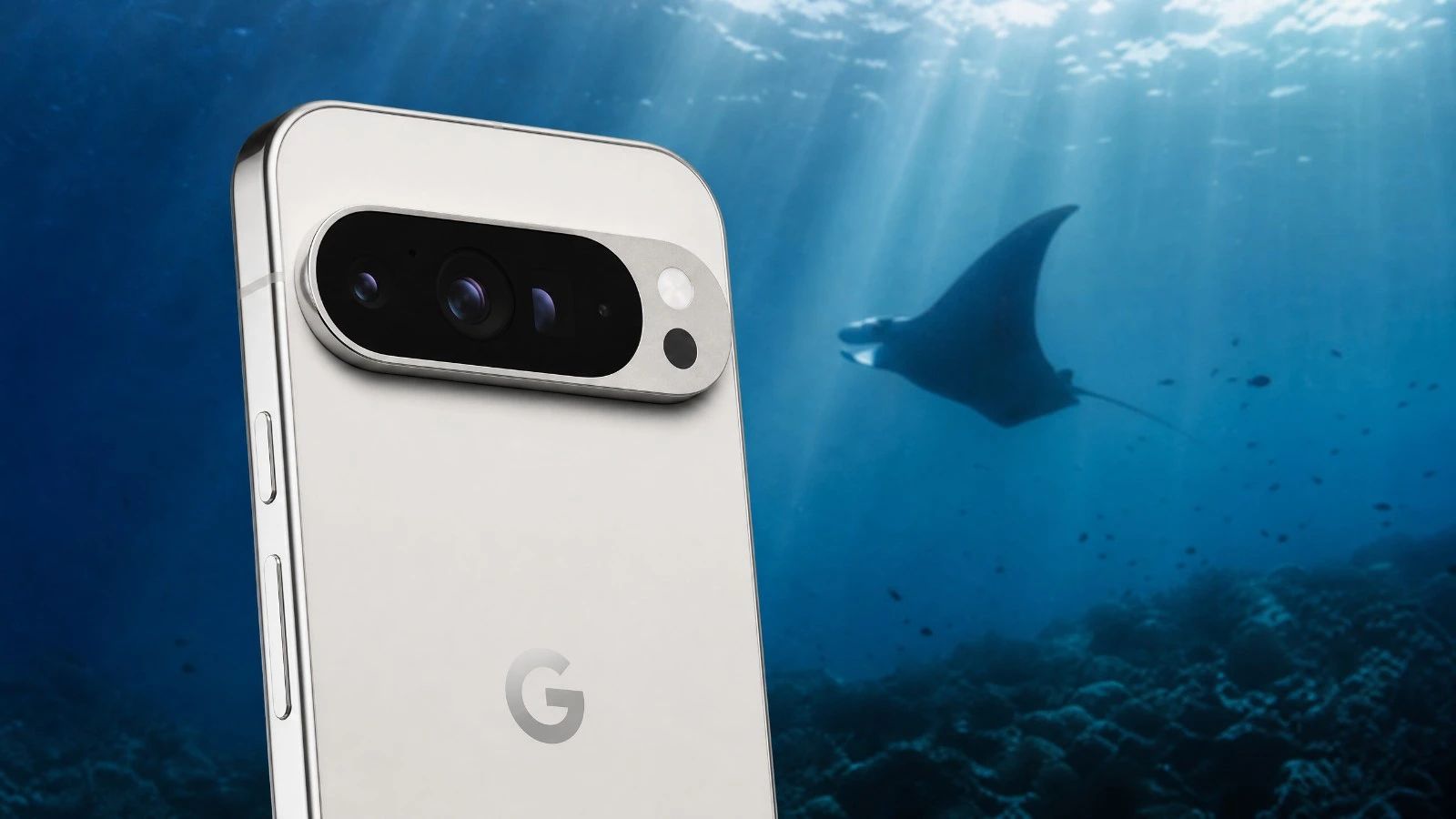
Is the Google Pixel 9 Pro XL suitable for underwater photography?
The Google Pixel 9 Pro XL is an excellent device for underwater photography in natural light, thanks to its advanced image processing and its ability to handle colors underwater. Its Video Boost feature is a real advantage.
What underwater housing is suitable for the Google Pixel 9 Pro XL when diving?
For the Google Pixel 9 Pro XL, the Divevolk SeaTouch 4 Max is the recommended housing. It provides reliable protection and good ergonomics underwater.
Does the Google Pixel 9 Pro XL shoot in RAW format while underwater?
Yes, the Google Pixel 9 Pro XL allows you to capture images in RAW format, which provides great flexibility for post-processing and adjusting underwater colors.
What is the battery life for a day of three dives when using the Google Pixel 9 Pro XL?
With optimized power management, the Google Pixel 9 Pro XL can last for a day of three dives. It's always wise to have an external battery pack available to recharge between dives if possible.
Should an anti-fog treatment be used with this device?
Yes, absolutely. Due to its aluminum housing, the risk of condensation in cold water (below 15 degrees Celsius) is significant. Using an anti-fog treatment (silica gel packet or insert) inside the housing is mandatory before each dive.
How can I quickly transfer my photos and videos from this device?
The wired connection of this device is limited to the USB 2.0 standard (approximately 35-40 MB/s). To quickly transfer your RAW files or video clips, prioritize fast wireless transfers using the ecosystem's features (AirDrop on iOS, Quick Share on Android) or by removing the memory card if the housing allows it.
Diving with a smartphone is now a reality. And every year, manufacturers are pushing the boundaries. The Google Pixel 9 Pro XL arrives with a strong promise for underwater photography in natural light. We put it to the test. No technical jargon at the beginning. What interests us is the real-world performance, ease of use when your hands are in the water, and most importantly, the quality of the images you bring back from your explorations. Forget complex specifications. Here, we talk about what you experience, what you see, and how this device can capture the magic of the underwater world. Does it live up to the challenges of depth and changing light? That's what we're going to discover together, without any unnecessary fluff.
The Verdict in Summary
The Google Pixel 9 Pro XL positions itself as an excellent companion for underwater photography in natural light. Its image processing is impressive. It offers a smooth user experience. The overall score is very good.
AquaExposure Overall Score: 4.5/5
Criteria
Score (out of 5)
B1 - Optics
4.5
B2 - RAW
4.0
B3 - Storage
4.5
B4 - Thermal Performance
4.0
B5 - Battery
4.0
B6 - Autofocus
4.5
B7 - Housing
5.0
Ideal Profile: The Google Pixel 9 Pro XL is perfect for divers looking for a compact, high-performing device with excellent color reproduction underwater. You want photos and videos that are ready to share, requiring minimal post-processing. It's a solid choice for capturing your memories without being weighed down by bulky equipment.
Analysis Section by Section
B1 - Optics
The Google Pixel 9 Pro XL excels in its image processing capabilities. Google has always been ahead in this area. Underwater, in natural light, this translates to surprisingly accurate colors. The algorithms effectively compensate for the loss of red. You get vibrant shots, even without a red filter. Sharpness is excellent. Details of corals and fish are well captured. Video Boost is a major advantage. It improves the dynamic range and colorimetry of underwater videos. This significantly enhances the final quality of your films.
For more information: The Google Pixel 9 Pro XL features the Tensor G4 processor. This processor is optimized for advanced image processing and artificial intelligence. It enables real-time adjustments for better reproduction of colors and light.
B2 - RAWThe ability to shoot in RAW format is available. This is crucial for demanding photographers. The RAW file offers significant latitude for editing. You can correct white balance. You can adjust exposure. This allows you to recover information from highlights and shadows. It's an advantage for refining your images after a dive. The internal processing of the Pixel is already very good. But RAW gives you complete control. It's an option not to be overlooked.
B3 - Storage
Storage is a key factor. The Google Pixel 9 Pro XL is equipped with a USB 3.2 port (10 Gbps). This is fast. Very fast. Emptying a card full of photos and videos after a day of diving takes only a few minutes. Wi-Fi 7 is also included. This simplifies wireless transfers. You can quickly back up your shots to the cloud or a NAS. This is a welcome convenience, especially when you have a lot of data to manage. A silica gel pack is essential for the phone. It provides protection against moisture. The aluminum and glass body makes it susceptible to condensation.
For more information: The USB 3.2 (10 Gbps) port on the Google Pixel 9 Pro XL ensures high transfer speeds. This is ten times faster than USB 2.0. Wi-Fi 7 offers improved wireless performance. It's ideal for quick backups.
B4 - Thermal ManagementThermal management is good. The Tensor G4 is efficient. We haven't observed any significant overheating. Even during long video sessions. This is important underwater. A phone that gets too hot can slow down. It might even shut off. The Pixel 9 Pro XL maintains stable performance. This is reassuring for your dives. You can focus on taking pictures, not on the device's temperature.
B5 - Battery
The battery life is decent. The Google Pixel 9 Pro XL lasts a day with three dives. This is with moderate use. If you film a lot, consider bringing an external battery pack. It's a good habit to develop. Fast charging is a plus. You can recharge between dives. This provides peace of mind. You won't miss a shot due to a lack of battery power.
Before each dive session, remember to check your external battery. Use our portable battery comparator to choose the right power bank for your housing and desired battery life.
B6 - Autofocus
The autofocus is responsive. This is crucial underwater. Moving subjects are tracked well. The focus is accurate, even in low light conditions. The Pixel 9 Pro XL handles contrast effectively. It quickly locks onto the subject. This is an advantage for wildlife photography. You won't miss that critical moment. The speed of the autofocus is a guarantee of success.
B7 - HousingThe housing is a fundamental element. For the Google Pixel 9 Pro XL, the Divevolk SeaTouch 4 Max is the obvious choice. It's robust. It's reliable. The ergonomics are excellent. You can easily access the phone's functions. The touchscreen remains usable. This is a proven solution. It effectively protects your device. It provides peace of mind. You can dive with confidence. The housing is your best ally underwater.
Choosing the right housing is crucial. For the Google Pixel 9 Pro XL, the Divevolk SeaTouch 4 Max is the standard. It's designed to fit a wide range of smartphones. Its robustness and water resistance are proven. It allows you to use the touchscreen underwater. This is an advantage for navigating menus. There are other options available. But the SeaTouch 4 Max offers the best compromise. It combines performance and safety. Be sure to carefully check compatibility with your exact model. Every detail matters for the safety of your device.
Field workflowThe Google Pixel 9 Pro XL is easy to integrate into your workflow. Its fast transfer speed is a major advantage. You can quickly download your photos and videos after each dive, freeing up space for the next session. Google's image processing is powerful, reducing the need for extensive editing. You get usable results directly, which saves valuable time, especially when you are traveling. The ease of use is a real benefit. You can focus on diving, not complex settings.
Important Considerations
The aluminum and glass body of the Pixel 9 Pro XL requires special care. Silica gel is mandatory inside the underwater housing. It absorbs moisture, preventing condensation. Condensation can damage the device and also degrade image quality. Always check the condition of the housing seals before each dive. This is a habit to develop. The safety of your equipment depends on it. Don't take any risks.
Price
The Google Pixel 9 Pro XL is positioned in the high-end segment, and its price reflects that. However, it offers excellent value for money, especially considering its photo and video performance. Investing in a good underwater housing is essential. This is a necessary expense that guarantees the longevity of your device and the quality of your underwater shots.
Our VerdictThe Google Pixel 9 Pro XL is a pleasant surprise. For underwater photography in natural light, it confirms Google's ability to innovate. Its image processing is exceptional. The Video Boost feature is revolutionary for colors underwater. It's a device that we recommend without hesitation. For divers who want high-quality images without the burden of heavy equipment, it performs well, is reliable, and easy to use. It's a wise choice for capturing your underwater adventures.
Learn Underwater Photography with This Device
You have the Google Pixel 9 Pro XL and want to master underwater photography? AquaExposure is here to help you. Our courses are designed for you and will help you unlock the full potential of your equipment, whether you are a beginner or an experienced photographer. Learn composition techniques, master natural light, and discover the secrets of good post-production. Visit our learning platform: Access a specialized course for photography with smartphones and action cameras.
Compare This Device with Others
Are you hesitating between several devices? Use our diving photo equipment comparator to compare this device with other tested models.
Test Google Pixel 9 Pro XL: Underwater Photography Review and 2026 Score | AquaExposure