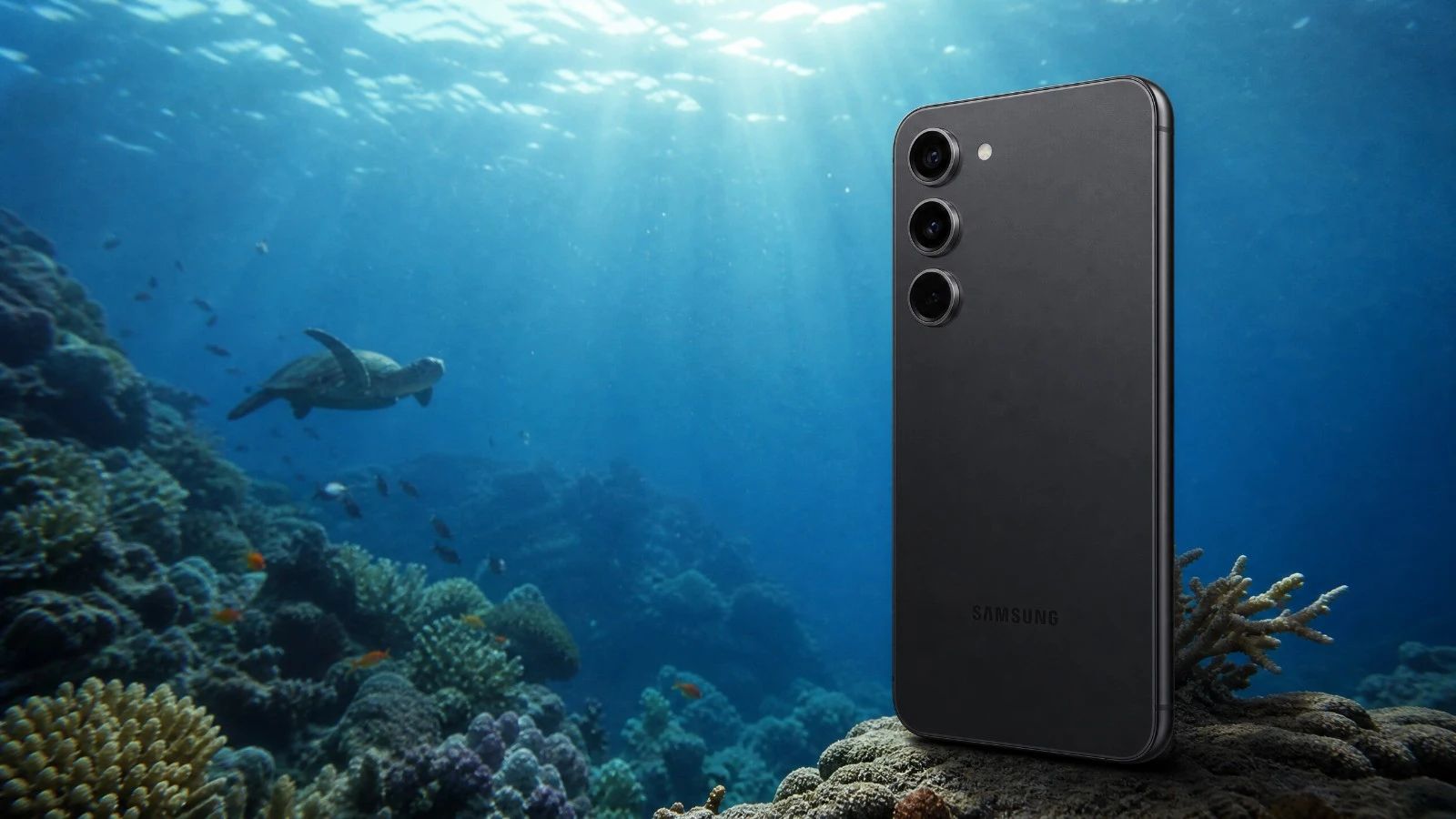
Is the Samsung Galaxy S23 suitable for underwater photography?
The Samsung Galaxy S23 is a good starting point for underwater photography in natural light. It offers solid image quality for its price, but it has limitations. For truly exceptional results, you should consider the "Ultra" models.
What waterproof case is suitable for a Samsung Galaxy S23 when diving?
For the Samsung Galaxy S23, I recommend the Divevolk SeaTouch 4 Max housing. It is reliable and allows you to use the touchscreen underwater, which is very convenient.
Does the Samsung Galaxy S23 shoot in RAW format while diving?
Yes, the Samsung Galaxy S23 can capture RAW files. This is a key feature for post-processing. It gives you much more flexibility to correct colors and details after your dive.
What is the battery life for a day of three dives when using the Samsung Galaxy S23?
With the Samsung Galaxy S23, it is possible to complete a day of three dives, but you will need to manage battery life. Disable Wi-Fi and Bluetooth, and put the device in airplane mode. Using an external battery pack between dives can be a good idea.
Should I use an anti-fog treatment with this device?
Yes, absolutely. Due to its aluminum housing, the risk of condensation in cold water (below 15 degrees Celsius) is significant. Using an anti-fog treatment (silica gel packet or insert) inside the housing is mandatory before each dive.
How can I quickly transfer my photos and videos from this device?
This device features a fast USB-C port (USB 3.0 or 3.2). You can transfer large RAW files or video clips in just seconds (100 to 800 MB/s) directly to an external, compatible SSD or computer.
Test Samsung Galaxy S23: Underwater Photography Review and 2026 Score
When it comes to underwater photography in natural light, choosing the right camera is crucial. The Samsung Galaxy S23 is a bit like the Swiss Army knife that many divers consider. It's compact, powerful, and you often already have it in your pocket. But what about underwater? Can it really capture the beauty of the marine environment without breaking the bank on professional equipment? We took it diving, pushed it to its limits. Let's see together what it has to offer for our aquatic explorations. No complicated technical jargon, just practical experience and real-world feedback. What matters is the result underwater.
The Verdict in Summary
The Samsung Galaxy S23 is a good companion for beginners or for taking quality souvenir photos. It doesn't compete with high-end models, but it gets the job done. Its strengths are its versatility and ease of use. Its weaknesses are heat management and transfer speeds, which can be a bit slow for large RAW files.
Criteria
Score (out of 5)
B1 Optics
3.5
B2 RAW
4.0
B3 Storage
3.0
B4 Thermal Management
2.5
B5 Battery
3.5
B6 Autofocus
3.5
B7 Housing
4.0
Overall Score
3.4/5
Ideal User Profile: This camera is perfect for occasional divers, travelers looking for an all-in-one solution, or those new to underwater photography who don't want to make a significant investment right away. You are seeking simplicity and decent results without unnecessary complications.
Analysis Section by Section
B1 Optics
The optics of the S23 are good for a smartphone. Images are sharp in the center, with good control of chromatic aberrations in natural light. The colors are vibrant, slightly oversaturated by default, which some people may like. However, the small sensor size is the key issue. Underwater, this limits the amount of light captured. You really need to be close to your subject to get a good result. The depth of field is wide, which is an advantage for underwater landscapes.
For more information: The main sensor in the S23 is typically 1/1.56 inches with a resolution of 50 MP and an aperture of f/1.8. Optical stabilization is included.
B2 RAW Format
The S23 allows you to shoot in RAW format. This is a crucial feature for underwater photography. The RAW format gives you incredible flexibility in post-processing. You can recover details in the shadows, adjust white balance precisely, and correct blue casts. Without RAW, your photos would be much more difficult to work with. This is what makes the difference between a good photo and an exceptional one.For those who want to delve deeper: The S23 produces RAW files in 12 bits, often in the DNG format. Samsung's Expert RAW app offers more precise control.
B3 Storage
The internal storage of the S23 is sufficient for one or two days of diving. However, RAW files are large. If you shoot a lot, you will quickly fill up the memory. The phone does not have a slot for a memory card. File transfer is done via USB 3.2 (5 Gbps) or Quick Share. Quick Share is very efficient for wireless transfers, but USB is faster for large volumes. This is something to consider so you don't get stuck on the boat.
For those who want to delve deeper: The S23 uses USB 3.2 Gen 1, offering theoretical transfer rates of 5 Gbps. Internal storage varies from 128 GB to 256 GB.
B4 Heat Management
This is where the S23 shows its limitations. The aluminum frame, while robust, tends to dissipate heat less effectively than the titanium used in recent Ultra models. During dives, especially in warmer waters or during extended sessions, the device can overheat. This can lead to slowdowns, or even cause video recording or burst photo capture to stop. The risk of condensation inside the housing is also higher with aluminum. This is an important point to be aware of.
For those who want to delve deeper: The S23 is equipped with a Snapdragon 8 Gen 2 processor. Heat management is provided by a passive cooling system.
B5 BatteryThe battery life of the S23 is decent. For a day of three dives, you need to be careful. Disable anything that isn't necessary - Wi-Fi, Bluetooth, airplane mode. Power consumption is higher underwater, especially if you are constantly using the screen. An external battery pack is a good idea for recharging between dives. The most important thing is to avoid running out of power at a critical moment.
For more information: The S23 has a 3900 mAh battery. Actual battery life depends heavily on usage and conditions.
Before each dive session, remember to check your external battery pack. Use our portable battery comparator tool to choose the power bank that is right for your underwater housing and your desired battery life.
B6 Autofocus
The autofocus of the S23 is fast and accurate on the surface. Underwater, it remains effective in natural light. It locks onto subjects well, even when they are moving. The tracking is efficient for fish swimming by. The key thing is to have enough light. In low-light conditions, it may hesitate a bit. But for most daytime diving situations, you will be satisfied.
For more information: The S23 uses a phase detection autofocus (PDAF) system on the main sensor.
B7 Underwater HousingChoosing the right underwater housing is crucial. For the Samsung Galaxy S23, the Divevolk SeaTouch 4 Max is a reliable option. It's robust, easy to use, and allows access to all touchscreen functions while underwater. This ensures a smooth experience. Make sure you have the correct version, as newer Ultra models may require the Platinum version for optimal compatibility.
For more information: The Divevolk SeaTouch 4 Max is compatible with a wide range of smartphones. It offers a maximum depth rating of 60 meters.
As mentioned, the Divevolk SeaTouch 4 Max is the reference housing. It's reliable and gives you complete control. Always check for exact compatibility with your S23 model before purchasing. Other options are available, but the SeaTouch 4 Max offers the best balance of price, performance, and ergonomics.
On-Site Workflow
Your workflow will be straightforward. Fully charge the phone. Put it in airplane mode. Launch your preferred photo app (either Samsung's or a third-party app like Filmic Pro if you want more control). Insert it into the housing. Check for watertightness. Dive. After the dive, remove the phone, transfer your photos via Quick Share or USB. Post-processing in RAW format is a real advantage for enhancing your shots.
Important ConsiderationsThe risk of condensation with the aluminum housing is real. Make sure to use desiccant packets inside the housing. Heat management is also a limiting factor for longer sessions. Don't expect to film in 4K for 30 minutes straight without interruption. The USB 3.2 (5 Gbps) transfer rates are acceptable, but not as fast as the USB 3.2 (10 Gbps) found on the Ultra models. It's a minor detail, but it's important to know.
Price
The Samsung Galaxy S23 is a device that offers good value for money today. Its price has decreased since its release, making it an interesting option for underwater photography without breaking the bank. The cost of the housing should be added, of course.
Our Verdict
The Samsung Galaxy S23 is a good starting point for underwater photography in natural light. It won't revolutionize your practice if you are a professional, but it offers perfectly respectable image quality for its segment. It's a reliable device that is easy to use and will allow you to capture wonderful memories of your dives. If you are looking for a compromise between performance and budget, this is a good choice. The key is to understand its limitations and leverage its strengths. And believe me, it has them.
Learning Underwater Photography with This iPhoneYou have your Samsung Galaxy S23 and you are ready to dive? That's perfect! To master underwater photography techniques in natural light, AquaExposure offers tailored training courses. Learn how to compose your images, manage the light, and post-process your RAW files for stunning results. Visit our learning platform to find out more: [Access a specialized course for smartphone and action camera photography](/blog/Smartphone overheating and condensation inside an underwater housing.
Compare this device with others
Are you hesitating between several devices? Use our diving photo equipment comparator to compare this device with other tested models.
Test Samsung Galaxy S23: Underwater Photography Review and 2026 Score | AquaExposure