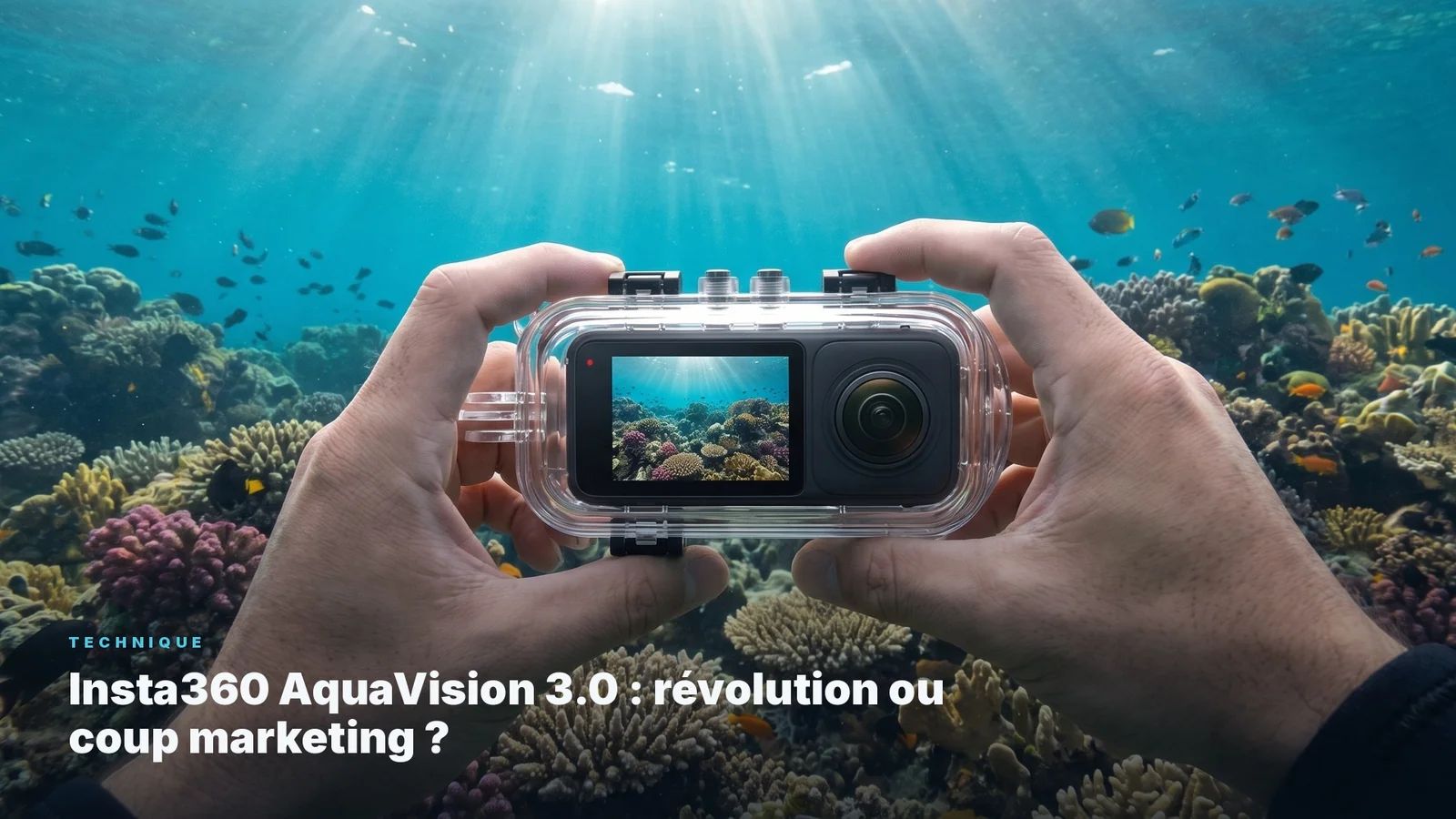
Insta360 AquaVision 3.0: revolution or marketing move?
AquaVision 3.0 works well for snorkelling and clear shallow water. Past 10 metres or in murky conditions, it struggles. What manual white balance and post-processing still do better.
Insta360 AquaVision 3.0: revolution or marketing move?
AquaVision 3.0 is an automatic colour processing mode built into the Insta360 app, designed to correct the blue-green cast of water and compensate for the loss of reds at depth. It can be applied at recording or in post on footage from compatible cameras.
In what conditions does AquaVision 3.0 produce good results?
AquaVision 3.0 is effective for snorkelling, short freediving sessions, and diving in clear water with good visibility, between 0 and 10-12 metres. In these conditions colour loss is limited and the algorithm can correct it convincingly. The stronger the ambient light and the more transparent the water, the better the result.
Why does manual white balance still produce better results?
A colour correction algorithm works from statistical assumptions about water composition and depth. Manual white balance, set against a grey slate or a neutral-coloured surface, measures the actual light at the moment of capture. That precise measurement cannot be reproduced after the fact by any algorithm, regardless of its sophistication.
Can AquaVision 3.0 be combined with manual post-processing?
Yes, and in borderline conditions it is often the best approach. AquaVision 3.0 can serve as an automatic correction base, then Lightroom or DaVinci Resolve allow you to manually refine hues, shadows, and saturation. But if the shot is made with a correct manual white balance, the post-processing work is significantly simpler.
Automatic underwater colour correction is a seductive idea. Rather than learning to set a white balance, understanding how light changes with depth and water type, and spending time in post-processing to recover the reds lost at 15 metres - an algorithm handles it for you. That is the promise of AquaVision 3.0, the latest colour correction update proposed by Insta360 in its app.
The promise deserves an honest assessment, because it contains a real part and a commercial optimism that is worth separating clearly.
What AquaVision 3.0 does well
In the right conditions, AquaVision 3.0 produces convincing results. The right conditions are: snorkelling, short freediving, diving in clear water between 0 and 10-12 metres, and decent visibility.
In those situations, colour loss is limited. Sunlight still penetrates with enough intensity that reds and oranges remain recoverable. The algorithm has a reasonable job to do, and it does it well. The result is often noticeably better than the same image without correction, and it requires no knowledge of post-processing at all.
For someone who wants to bring back clean images from a snorkelling trip in the Maldives or a summer freediving session in the Mediterranean, AquaVision 3.0 is a real help. It has a place in a light workflow.
What AquaVision 3.0 does not do
The problems start when you move outside those favourable conditions.
From around 10-12 metres in average water, or earlier in turbid water (high particulate matter, plankton, currents stirring up sediment), the algorithm works with insufficient data. Red loss becomes too severe, and the correction becomes a statistical guess rather than an actual measurement. The result may look improved compared to the raw image, but it does not accurately reflect what the eye saw underwater, and hue transitions between shadow and lit areas become artificial.
This is the fundamental limitation of any post-capture algorithmic correction: it works from an already degraded image without knowing what you intended to photograph or what you actually saw. The algorithm guesses. It does not measure.
What manual white balance does instead
Manual white balance, when set correctly at the working depth, measures the actual light at the moment of capture. It gives the camera a precise reference: this is what neutral grey looks like in this specific context, at this depth, in this particular water.
That measurement cannot be reproduced after the fact. When you surface with an image correctly balanced at capture, your post-processing headroom becomes significantly wider and your final result more faithful to what was in front of you.
For video workflows, DaVinci Resolve with an appropriate colour profile and a correct white balance at source produces results AquaVision 3.0 cannot reach on a poorly exposed base image.
The risk of false confidence
This may be the most important point, and the one Insta360 will not highlight in its communications.
AquaVision 3.0 can create false confidence. If you film at 20 metres in turbid water telling yourself that the algorithm will "fix it all", you will surface with images that neither AquaVision nor any other tool can genuinely save. The algorithm improves what is recoverable. It does not create data that does not exist.
Underwater colour correction based on depth and water type is a skill that changes the quality of your images fundamentally, regardless of which camera you use afterward. That skill, no algorithm can replace - because it plays out at the moment of choosing angle, depth, and light, before you even press Record.
Lightroom presets for underwater photography work on the same principle: they do not rescue a badly exposed image, but they dramatically accelerate the work on a correctly captured one.
The AquaExposure position
AquaVision 3.0 is a good tool within its limits. Those limits are real, and naming them clearly avoids disappointment for divers who invest in an Insta360 camera expecting universal correction.
For snorkelling, freediving, and clear shallow water: use it, it will save you time.
For diving beyond 10-12 metres, murky water, or low light: learn manual white balance and adapted post-processing. That is exactly what the technique module of the underwater photo and video training covers in practice, dive after dive.
An algorithm does not see what you see. It corrects what it can guess.
And sometimes, that is not enough.
Insta360 AquaVision 3.0: revolution or marketing move? | AquaExposure