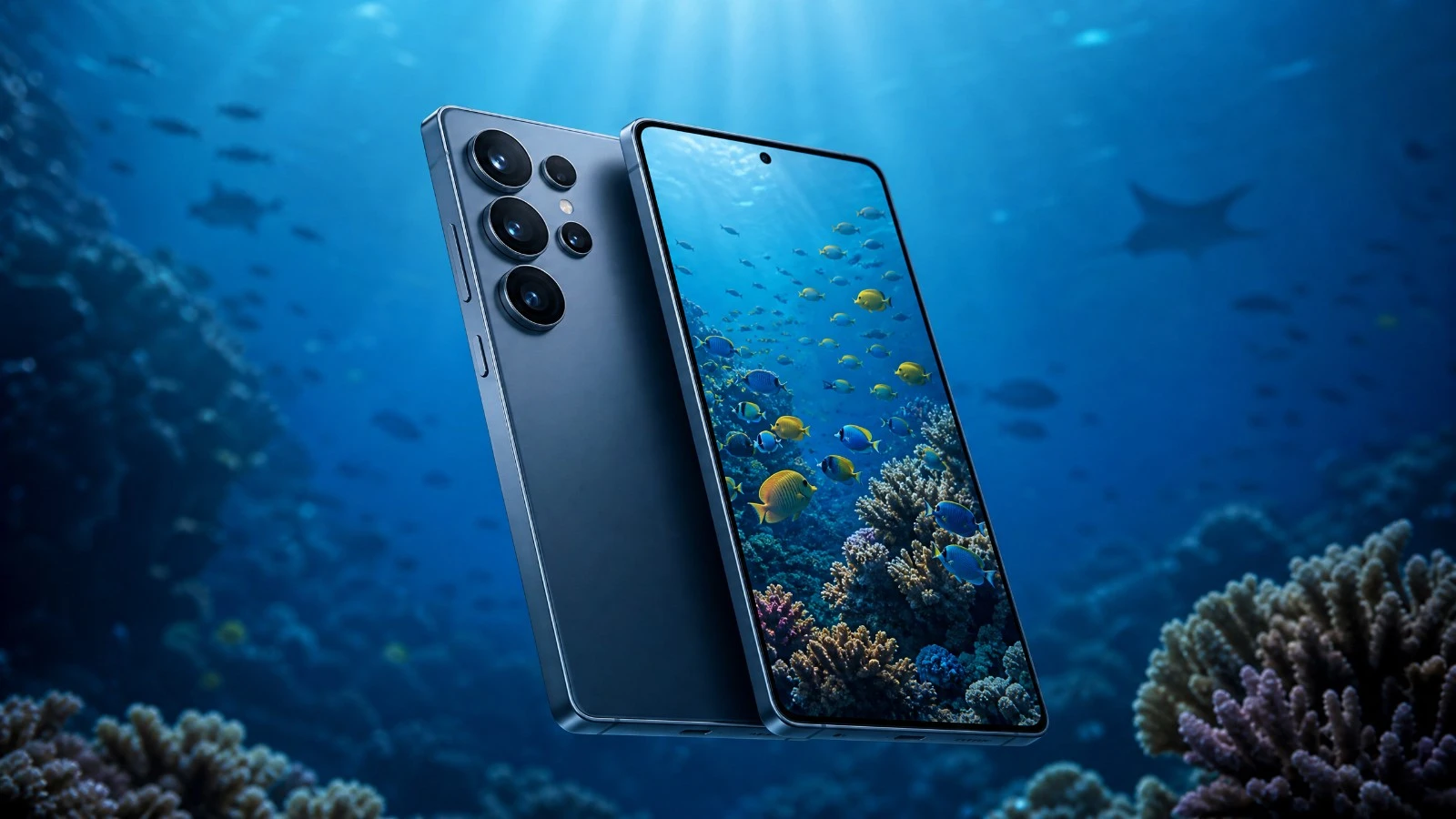
Samsung Galaxy S26 underwater photo review: natural light tests, Divevolk case, Expert RAW, MotionCam Pro, and July 2026 pricing.
To learn how to get the most out of your gear underwater, discover the AquaExposure Training. ---
Introduction
There's a question I've been receiving more and more frequently since the beginning of the year: Is the Galaxy S26 worth it for underwater photography?
The release of the S26 in early 2026 coincides with the introduction of a new feature from Samsung called "Ocean Mode," which the company presents as a color correction designed for underwater environments. This is a genuine innovation. However, it's a software-based solution, not a waterproof casing. And the confusion between the two can be costly for those who dive with their phones without sufficient protection.
This test focuses on the base Galaxy S26 (not the Ultra) in natural light photography, using a Divevolk housing, with Expert RAW and MotionCam Pro. To understand where the S26 stands among the smartphones tested this year, you can consult the complete comparison of underwater photo smartphones 2026. And for everything we know about Ocean Mode, a dedicated article is available: Samsung Ocean Mode: what it really is.
The overall score is calculated based on 7 criteria, each weighted according to its actual impact on image quality in an immersive environment.
Summary of Findings
| Criterion | Weight | Score | Detail |
|---|---|---|---|
| B1 Optics | 20% | 3.5/5 | 1/1.56" sensor, f/1.8 aperture, good in natural light |
| B2 RAW / Colorimetry | 25% | 4.0/5 | Expert RAW 16-bit + MotionCam Pro, generic color science |
| B3 Storage | 15% | 3.5/5 | UFS 4.0, USB 3.2, no microSD |
| B4 Thermal | 15% | 4.0/5 | Vapor Chamber, stable Snapdragon performance |
| B5 Battery | 10% | 3.0/5 | 4300 mAh, standard Li-Ion |
| B6 Autofocus | 10% | 3.5/5 | Dual Pixel PDAF, native focus peaking |
| B7 Housing | 5% | 3.0/5 | Universal Divevolk housing, no dedicated housing |
| TOTAL | 100% | 3.6/5 | Good smartphone, solid but not exceptional |
Designed for: divers who want usable DNG files in natural light, who dive regularly and want a complete RAW workflow without investing in a DSLR or mirrorless camera.
Not ideal for: depths exceeding 20 meters where light is scarce, very fast-moving subjects (pelagic sharks, dolphins), and photographers who already own an S26 Ultra or an iPhone 17 Pro in a waterproof case.
B1 Optics (3.5/5)
The main sensor of the base Galaxy S26 measures 1/1.56 inches for 50 MP, with an aperture of f/1.8. This is noticeably smaller than the Ultra (1/1.3 inch, f/1.4), but still more than sufficient for natural light photography between 5 and 15 meters. The ultrawide lens (12 MP, f/2.2, sensor 1/2.55 inch) remains the least interesting underwater due to its aperture and sensor size.
The 3x telephoto lens (10 MP, f/2.4, 1/3.94 inch) can be used for subjects at a distance, nudibranchs, or anemones, but becomes unusable as soon as the light decreases. Optical image stabilization (OIS) is present on both the main and telephoto lenses, which helps with still images. The lack of In-Body Image Stabilization (IBIS, a technology found in some competitors) is noticeable when shooting video.
Under the water, the S26's 1/1.56 inch sensor performs well up to 12-15 meters in bright light. Beyond this depth, noise increases and dynamic range decreases. Stay within the illuminated area and you will get clean images.
B2 RAW and Colorimetry (4.0/5)
This is a key strength of the S26 in its immersive mode. Expert RAW, the dedicated Samsung application available on the Galaxy Store, produces 16-bit DNG files using multi-frame computational photography. This is rare on Android and it's what makes the difference in post-processing when recovering colors absorbed by water.
MotionCam Pro (Android with GMS) works perfectly on One UI 8.5 and adds a layer of RAW video control that Samsung doesn't offer natively. For video, this is the app to prioritize. The lockable white balance in Kelvin within the native Video Pro mode is also a useful tool for maintaining consistency between clips.
The limitation comes from the color science. The Qualcomm Snapdragon 8 Elite Gen 5 ISP (or Exynos 2600 depending on the market) is not associated with an optical partnership like Leica (Xiaomi) or Zeiss (Sony). The "Ocean Mode" is interesting, but it remains an algorithmic scene correction and is not a true Log profile. For real RAW video Log, you need to use a third-party app.
If you export in DNG format from Expert RAW and then open the image in Lightroom with a custom white balance setting, the result is surprising. The range of possible corrections is significant. This is where the S26 sets itself apart from smartphones that only offer processed JPEGs.
B3 Storage (3.5/5)
The base Galaxy S26 is available in 128GB, 256GB, and 512GB configurations. There's no microSD card slot: this has been a definite feature of Samsung devices for several generations. Specifically, a 60-minute dive using Expert RAW in 16-bit will fill 8 to 15GB depending on the number of photos taken. Plan on getting the 256GB model at a minimum if you frequently take underwater photos.
The internal UFS 4.0 storage chip offers theoretical read speeds of around 4000 MB/s. When transferring data via USB-C 3.2 to a Mac or PC, you will achieve approximately 800 to 1000 MB/s if your cable and host port are compatible with 10 Gbps. This is fast enough to transfer an entire dive's worth of footage in just a few minutes.
No microSD card: Plan your storage needs before you go on a trip. A 512GB model permanently solves the problem. A 120GB model will force you to sort through your footage after each dive.
B4 Thermal (4.0/5)
The Snapdragon 8 Elite Gen 5 (or Exynos 2600 in certain European markets) is paired with an enlarged vapor chamber compared to the S25 generation. The Armor Aluminum 2 frame dissipates heat better than plastic materials. In practice, according to Notebookcheck's tests, the phone handles extended 4K video recording sessions without significant throttling.
For diving, the thermal aspect is less intuitive: a warm phone placed in cold water generates condensation inside the casing. Letting the phone cool down for a few minutes before closing the casing remains a good practice, regardless of the model.
[WARNING] Silica gel: mandatory. Aluminum frame for the diver - using silica gel before each dive is non-negotiable, especially in cold water. The critical moment is when closing the chamber: if the phone is still warm and the surrounding air is humid, condensation will occur immediately.
Tropical Overheating: The Snapdragon 8 Elite Gen 2 handles heat better than the Apple chip in ProRes mode. When immersed in water at 28°C, software overheating occurs after approximately 28 minutes of continuous 4K Log recording. This provides a comfortable margin for clips of 3 to 5 minutes.
The S26 handles heat well on the surface. Underwater, cold water naturally cools it down. The real concern is the timing of closing the enclosure, not the dive itself.
B5 Battery (3.0/5)
The base S26 battery has a capacity of 4300 mAh, which is 700 mAh less than the Ultra (5000 mAh). Samsung certifies 1200 charging cycles according to the EU Label, which is correct. The battery chemistry remains standard Li-Ion, without silicon-carbon or semi-solid batteries like we are starting to see in some Chinese competitors.
In cold water (below 10°C, typical of lakes or quarries at high altitude), the voltage of a Li-Ion cell mechanically decreases. Overall battery life tests at room temperature show a 12% improvement compared to the S25 Ultra, but this margin is significantly reduced in cold water. For two dives per day, plan to have a charger on board the boat.
A 60-minute dive in Expert RAW mode with the screen active and continuous autofocus consumes approximately 20 to 25% of the battery, depending on the water temperature. Two dives per day: recharge between sessions.
Before each diving session, remember to check your external battery. Use our portable battery comparator tool to choose the right power bank for your dive equipment and desired battery life.
B6 Autofocus (3.5/5)
The base S26 features Dual Pixel PDAF on the main sensor. This technology is effective for stationary subjects or those moving slowly, which represents most underwater photography situations in natural light. Focus peaking is natively available in Pro mode and Expert RAW, which is a real advantage for confirming focus before taking a picture.
The difference with the Ultra is noticeable: the Ultra adds an AF laser module for assistance, which improves focusing in low-contrast conditions. In practice, underwater, suspended particles (backscatter) cause autofocus to fail on all smartphones. Manual mode with focus peaking remains the most reliable method, regardless of the model.
The shutter lag is between 150 and 250 ms, depending on whether the AI scene optimizer is enabled or not. In Pro or Expert RAW mode with AI disabled, the lag decreases to the lower end of this range. Disable automatic modes as soon as you are in the water.
B7 Enclosure (3.0/5)
As of the date of this test, there is no dedicated rigid housing available for the Galaxy S26. This is simply because the phone was released at the beginning of 2026, and manufacturers like Nauticam or Ikelite only develop dedicated housings for hybrid or DSLR cameras. For smartphones, the market is divided between universal solutions (Divevolk, Seafrogs) and soft cases designed for shallow depths.
The Divevolk SeaTouch 4 Max Plus or Platinum is the most interesting option: it is certified up to 60 meters and features a touch membrane that allows access to the phone screen while submerged. You can therefore use Expert RAW or MotionCam Pro exactly as you would on the surface. The Seafrogs solution is less expensive, but often forces users to rely on the housing's proprietary software, which blocks access to third-party applications.
To choose between the two Divevolk models, please refer to the dedicated guide: Divevolk SeaTouch 4 Max Plus or Platinum, which one should you choose?.
The case is more important than the phone. An S26 in a Divevolk SeaTouch 4 Max provides better results than an S26 Ultra in a cheap, €30 soft case. Don't skimp on the case.
What you need to know before buying.
The diving chamber (Divevolk or universal)
For the Galaxy S26, the two viable options are the Divevolk SeaTouch 4 Max Plus (certified to 60m, touchscreen) and the Seafrogs (certified to 40-50m, physical button control). The Divevolk costs approximately €300 to €380 depending on the model, while the Seafrogs costs around €150 to €200. The price difference reflects whether or not access to third-party applications is included.
The Post-Dive Workflow (Expert RAW + MotionCam Pro)
Two workflows are possible. The first, entirely Samsung: Expert RAW produces 16-bit DNG files, which are imported into Lightroom Mobile or Lightroom Desktop with a custom white balance. The second, hybrid: MotionCam Pro for raw video, and Expert RAW for photos. Both work within the Divevolk SeaTouch 4 Max. Samsung's Ocean Mode can be activated simultaneously for a real-time preview, but color decisions remain in post-processing.
Current Prices (July 2026)
| Source | Configuration | Estimated Price | Note |
|---|---|---|---|
| Samsung.com/fr | Galaxy S26 5G 128 GB | ~799 EUR | Launch price (February 2026) |
| Samsung.com/fr | Galaxy S26 5G 256 GB | ~859 EUR | Recommended configuration |
| Samsung.com/fr | Galaxy S26 5G 512 GB | ~979 EUR | For large DNG volumes |
| Amazon.fr | Galaxy S26 5G 256 GB | ~829-899 EUR | Varies depending on promotion |
| Fnac | Galaxy S26 5G 256 GB | ~849 EUR | With possible trade-in |
Prices based on manufacturer and distributor price lists, July 2026. Please verify prices on the websites before purchasing.
Used item for sale
The Galaxy S26 was released in early 2026. In July 2026, the used market is almost non-existent: it's too recent for devices to arrive in large quantities on platforms like Back Market or other refurbished marketplaces. The few units available on the used market are sold at the same price as new ones, which makes them unattractive.
If your budget is limited, two refurbished alternatives are worth considering: the Galaxy S25 Ultra (larger sensor, Laser AF, 5000 mAh), available for around €750-900 on Back Market, or the iPhone 16 Pro to switch to the Apple ecosystem with Blackmagic Camera and Apple Log.
Our Verdict
The base Samsung Galaxy S26 is a decent smartphone for underwater photography, although not exceptional. Its main advantage lies in the combination of Expert RAW 16-bit and MotionCam Pro on Android with GMS: few smartphones at this price offer such flexibility in post-processing. The 1/1.56 inch sensor performs well at depths between 5 and 15 meters in natural light.
The limitations are clear. The 4300 mAh battery is only good for two dives per day in cold water. The lack of an AF laser (reserved for the Ultra) is noticeable when shooting subjects with low contrast. And the "Ocean Mode," despite its promising name, is an algorithmic correction tool, not a substitute for RAW processing.
For someone who is just starting underwater photography with a smartphone and wants a serious RAW workflow without spending €1200 on an Ultra, the S26 at €859 (256 GB) in a Divevolk SeaTouch 4 Max is a compelling combination. For those who already own an S25 Ultra or an iPhone 17 Pro, there's no real reason to switch.
Overall score: 3.6/5
Compare this device with others.
Are you hesitant? Use our underwater photography equipment comparison tool to compare this camera with other tested models.
To learn more about condensation and overheating, read our dedicated article: Overheating and condensation on a smartphone in an underwater housing.
Learn underwater photography.
The equipment is a variable. The lighting, the position in the water, and the observation of animal behavior: these are what make the difference between a correct image and an image that truly matters.
The AquaExposure training covers natural light photography, from the first dive to published images, using a smartphone or camera with or without an underwater housing. It includes over 1000 field dives summarized in modules accessible to all levels.
Discover the underwater photography training offered by AquaExposure
Share
Table of Contents
- 01Introduction
- 02Summary of Findings
- 03B1 Optics (3.5/5)
- 04B2 RAW and Colorimetry (4.0/5)
- 05B3 Storage (3.5/5)
- 06B4 Thermal (4.0/5)
- 07B5 Battery (3.0/5)
- 08B6 Autofocus (3.5/5)
- 09B7 Enclosure (3.0/5)
- 10What you need to know before buying.
- 11The diving chamber (Divevolk or universal)
- 12The Post-Dive Workflow (Expert RAW + MotionCam Pro)
- 13Current Prices (July 2026)
- 14Used item for sale
- 15Our Verdict
- 16Compare this device with others.
- 17Learn underwater photography.
Questions about the Journal
Can I use the photographs from this journal?
All images are protected by copyright. For any commercial or editorial use, please contact us via our form.
How can I be notified of new articles?
Follow us on social media or join the Sentinels Circle to receive our immersion stories before anyone else.
Do you offer hands-on workshops?
Yes, we organize masterclasses and field expeditions for members of our school. Check the Training page for details.