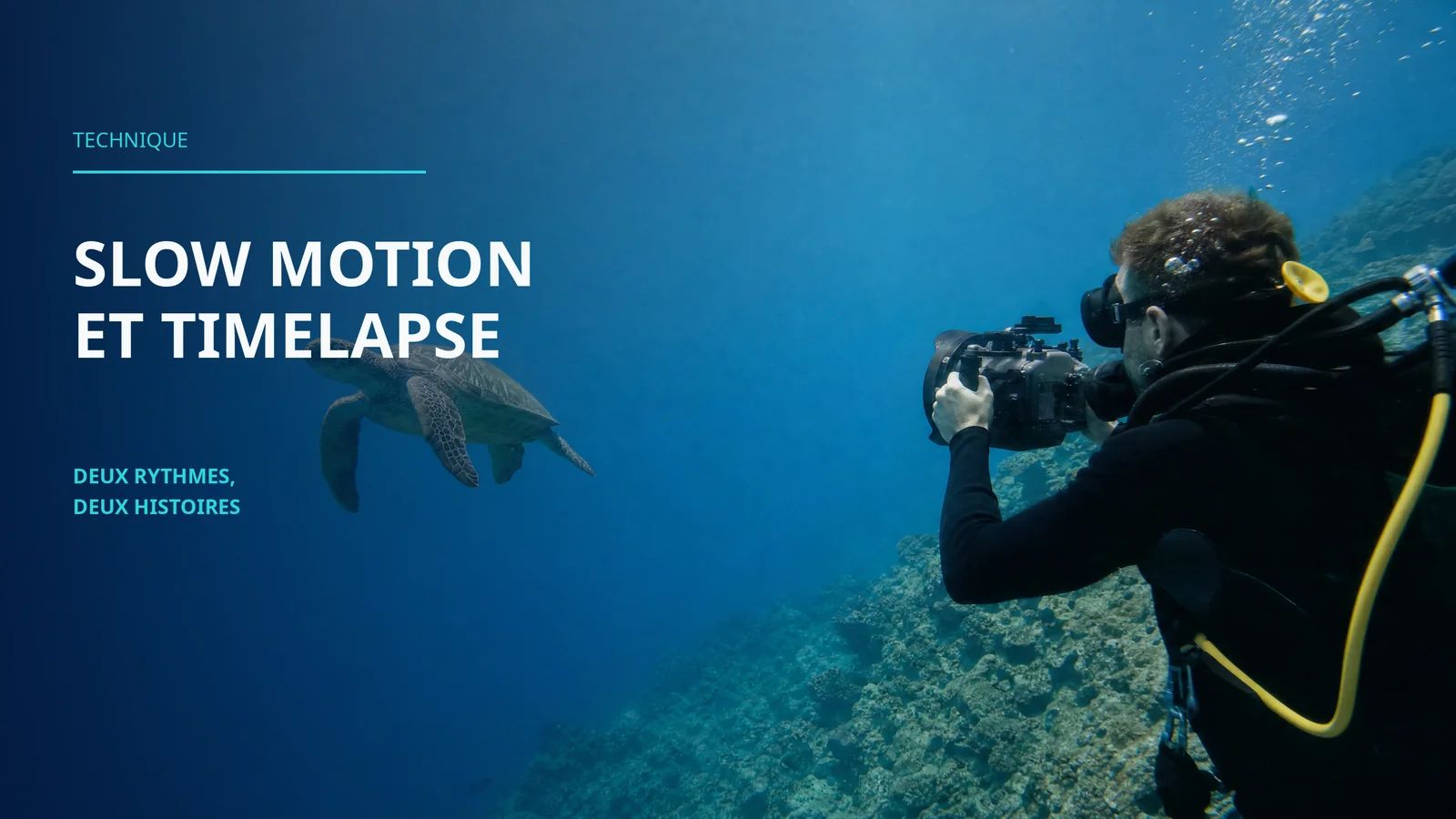
Slow motion and timelapse underwater: two rhythms, two stories
Slow motion and timelapse in underwater video: settings, technique and when to use each mode. Reveal the invisible and show the passage of time underwater.
What framerate should I use for slow motion underwater?
60 fps for a subtle slow motion (50% of real speed), 120 fps for a pronounced slow motion (25% of real speed), 240 fps for extreme slow motion. Most action cameras and hybrid cameras offer 120 fps. 240 fps is available but often limited in resolution (1080p).
Does slow motion work in low light underwater?
With difficulty. A high framerate reduces the exposure time per frame, which darkens the result. At 120 fps, each frame receives 4 times less light than at 30 fps. Slow motion is ideal between 0 and 15 metres in clear, sunny water. At depth or in overcast conditions, digital noise increases.
How do you create a timelapse underwater?
Mount your camera on a stable support (weighted tripod, suction cup on a rock, sandbag). Activate the intervalometer (1 photo every 2 to 5 seconds). Shoot for 20 to 60 minutes. Assemble the photos into a video at 24 or 30 fps in post-production. A 10-second timelapse at 30 fps requires 300 photos.
What subjects work well for slow motion underwater?
Fast movements that the eye cannot normally process in detail: a school of fish passing by, an octopus fleeing, a diver's bubbles, a turtle's fin strokes, the movement of a jellyfish, cleaner shrimp darting away. Slow motion reveals the hidden grace within movement.
What subjects work well for timelapse underwater?
Slow phenomena that are invisible at real speed: coral polyps opening at dusk, the changing light as the sun moves, starfish travelling across the reef, algae swaying with the tide, clouds of plankton drifting by. Timelapse compresses long stretches of time.
Can you shoot slow motion with a GoPro underwater?
Yes. The GoPro Mission 1 shoots at 120 fps in 4K and 240 fps in 1080p. It is one of the most accessible cameras for underwater slow motion. Enable the GP-Log profile to retain latitude for colour correction, and film between 0 and 10 metres to have enough light.
Does an underwater timelapse require a tripod?
Yes, stability is non-negotiable. The slightest movement between two shots creates a flicker in the final timelapse. A weighted mini tripod, a suction cup attached to a rock, or a sandbag placed on the seabed are the most practical solutions.
To learn how to get the most out of your gear underwater, discover the AquaExposure training.
Slow motion reveals what the eye cannot process in detail: the grace of a jellyfish, the mechanics of a school of fish changing direction, bubbles fragmenting as they rise. Timelapse shows what human patience cannot perceive: polyps opening at dusk, starfish on the move, light pivoting with the sun. These are two techniques with opposite relationships to time, yet complementary when it comes to telling the full story of the underwater world.
Slow motion: slowing down to see
Why it works underwater
Slow motion is spectacular above water. Underwater, it is magical. The reason is physical: water is 800 times denser than air. Every movement underwater has a natural fluidity that slow motion amplifies.
A school of trevallies changing direction in real time takes one second. In slow motion, the deconstructed movement reveals the coordination of hundreds of fish pivoting as a single organism. A turtle beating its fins in real time looks hurried. In slow motion, each stroke resembles flight.
Underwater slow motion does not make things slower. It makes them visible.
The settings
The principle is straightforward: shoot more frames per second than the final playback speed. If your final video plays at 30 fps and you shoot at 120 fps, the result is a slow motion at 25% of real speed (4 times slower).
60 fps, played back at 30 fps = 2x slow motion. Subtle and elegant. The movement is just slow enough to gain fluidity without looking artificial. The default choice for level 1 and 2 video gear.
120 fps, played back at 30 fps = 4x slow motion. The effect is clear and spectacular. Fast animal behaviours (fleeing, predation, cleaning) become readable. Most recent cameras offer this mode in 4K or 2.7K.
240 fps, played back at 30 fps = 8x slow motion. The extreme. Bubbles break apart into droplets, fin movements become undulations with surreal detail. Limited to 1080p on most cameras and very demanding in terms of light.
The light trade-off
Every doubling of the framerate halves the exposure time per frame. At 120 fps, each frame receives 4 times less light than at 30 fps. The consequence: slow motion demands a lot of light.
This is why underwater slow motion works best: - Between 0 and 15 metres (abundant natural light) - In clear water (less absorption) - At midday (high sun, maximum penetration) - While snorkelling (0-3 metres, maximum light)
Below 15 metres, digital noise increases significantly in slow motion mode. The sensor compensates for the lack of light by raising the ISO, and the result is grainy. If you are filming at depth, stick to 60 fps maximum.
When to use slow motion
Slow motion is not an effect to apply to everything. It is powerful when it reveals something that real speed conceals.
Fast movements. A school of fish passing by, an octopus jetting away, cleaner shrimp darting off, a shark gliding past in a matter of seconds.
Animal grace. The wingbeat of a manta ray, the swimming of a turtle, the tentacles of a jellyfish, a nudibranch gliding along (yes, even a nudibranch has grace in slow motion).
Physical phenomena. A diver's bubbles fragmenting and merging, sun rays oscillating beneath the surface, the swell seen from below, particles swirling in a current.
Human moments. A diver discovering a subject, the reaction of surprise, the backward jump from the boat. Slow motion on a masked face (the eyes behind the mask) creates strong emotion.
When not to use slow motion
Calm establishing shots. A peaceful reef in slow motion gains nothing. It loses its natural feel and looks empty.
Narrative shots. If your shot serves to advance the story (the diver swimming towards the subject, exploring the site), slow motion slows the narrative in the literal sense.
Low-light conditions. Digital noise ruins the quality effect that slow motion is supposed to deliver.
Timelapse: speeding up to understand
Why it works underwater
Timelapse compresses time. What takes 30 minutes in reality lasts 10 seconds on screen. Underwater, this compression reveals phenomena invisible at the human timescale.
Coral polyps open at dusk. Starfish move (they do move, promise). Light pivots with the sun and shifts the colour mood of a reef in 30 minutes. Plankton forms drifting clouds carried by the current. None of this is visible in real time.
Underwater timelapse is rare in amateur content. That is precisely what makes it stand out. A 10-second timelapse of coral opening at night captures more attention than a standard shark clip.
The settings
Underwater timelapse can be done in two ways.
The photo intervalometer. The camera takes a photo at regular intervals (every 2 to 10 seconds). The photos are assembled into video in post-production. This method offers the best quality (maximum photo resolution) and the most latitude for corrections.
Calculation: for a 10-second timelapse at 30 fps, you need 300 photos. At a 5-second interval, the shoot takes 25 minutes. At a 2-second interval, it takes 10 minutes.
The built-in timelapse mode. The GoPro and DJI Action offer a timelapse mode that produces a video file directly. Simpler, but with less control over the quality of each individual frame and no photo-by-photo correction.
Stability: the absolute constraint
Timelapse demands perfect stability. The slightest movement between two shots creates a flicker or a jump in the final video. A one-centimetre shift between two photos shows up as an earthquake in the result.
Underwater mounting solutions:
The weighted mini tripod. A Gorillapod or equivalent with weights attached to the legs. Placed on sand or on a flat rock. A simple and effective solution in calm waters.
The suction cup. Attached to a smooth rock, a wreck hull, or any hard surface. Watch out for current that can detach the suction cup mid-sequence.
The sandbag. A small bag filled with sand or gravel, in which you press the camera. Stable, adaptable, zero damage to the environment.
Never attach to living coral. Non-negotiable rule. Use the sandy bottom, dead rocks, or artificial structures. The AquaExposure doctrine applies to every second of timelapse.
When to use timelapse
Coral opening. At dusk, coral polyps extend to feed. The process takes 15 to 30 minutes. In timelapse, the reef appears to "bloom" in a few seconds. This is one of the most impressive and most underused subjects.
Changing light. The sun rising, clouds passing, the day-to-night transition. Light is the subject, not the reef.
Invertebrate movement. Starfish, sea urchins, sea snails. Their movement is invisible in real time but fascinating when sped up.
Current. Sea fans swaying, sand drifting, algae pulsing. Current is a powerful timelapse subject and easy to find.
Reef traffic. Fix the camera facing a section of reef and let it roll for 30 minutes. The resulting timelapse shows the endless ballet of fish, cleaners, and predators. A reef is a city, and timelapse proves it.
The pitfalls of underwater timelapse
Fogging. A 30-minute sequence in a housing that gradually fogs up produces a timelapse that gets progressively blurrier. Anti-fog treatment is critical for long sessions.
Battery. 30 minutes of photo timelapse consume less battery than 30 minutes of video, but check anyway. A battery that dies at photo 250 out of 300 makes the sequence incomplete.
Current moving the camera. An imperceptible drift during the shoot creates a tremor in the result. Secure the camera firmly and visually check the position at regular intervals if possible.
Auto-exposure. If your camera adjusts exposure between each photo (because a cloud passes or a fish casts a shadow), the timelapse flickers. Lock the exposure to manual if possible.
Combining both in the same video
Slow motion and timelapse are powerful storytelling tools when combined in the same edit.
The contrast in rhythm creates emotion. A timelapse of the reef waking up (30 seconds of shooting in 3 seconds of video) followed by a slow motion of a cleaner shrimp (3 seconds of shooting in 12 seconds of video) creates a temporal zoom effect: from long time to detailed time, from macro to micro.
For short-form Reels/TikTok formats, a slow motion shot as a hook (spectacular opening) followed by normal-speed shots and then a timelapse as a conclusion creates a complete rhythm arc in 30 seconds.
Next step
Slow motion and timelapse are natural extensions of underwater video. Start with slow motion (no extra gear, just a framerate change) and then explore timelapse once you have a stable support.
The AquaExposure course includes practical slow motion and timelapse exercises, with subjects suited to each destination and every level of equipment.
Slow motion and timelapse underwater: two rhythms, two stories | AquaExposure