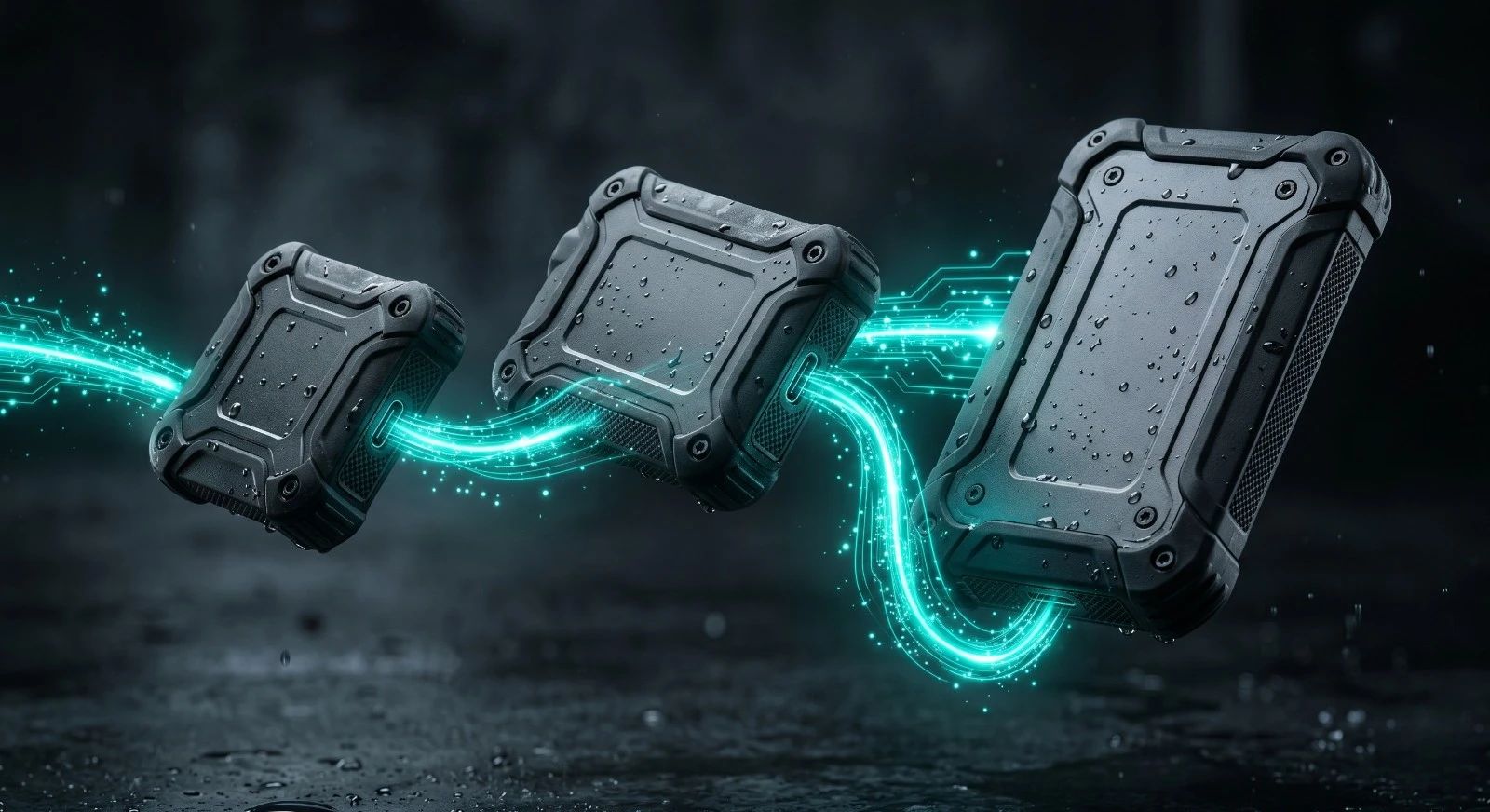
Portable SSDs comparator for scuba dive travel
Which rugged SSD to choose to safely back up your underwater photos and videos on dive boats without risking data loss?
Protecting your dive photos and videos on a boat requires an external SSD built to withstand saltwater spray and vibrations. Choose a drive rated at least IP65 for deck use or IP67 and IP68 to survive accidental immersion, and always carry two separate drives to follow the 3-2-1 backup rule.
21 SSDs benchmarkedSanDisk • Samsung • LaCie Rugged • Crucial • OWC • ADATAIP65 to IP68 & 3m Drop tested
Express Selector Tier 1
Which portable SSD to choose for your dive trips?
Find in 3 clicks the ideal rugged SSD to safeguard your RAW photos and dive videos on boats according to your environmental conditions and backup strategy.
1. Ruggedness & Marine protection
Accidental immersion, salt spray or dry box storage
2. Interface & Transfer speed
Ultra-fast Thunderbolt 3/4 or versatile USB-C 10/20 Gbps
3. Capacity & 3-2-1 backup strategy
Dual redundant drives, massive 4-8 TB capacity or compact budget
Instructor golden backup rule
On dive boats and liveaboards, IP67 or IP68 certification is the only true guarantee against accidental dropped drives in rinse tanks or sea water puddles. The SanDisk PRO-G40 and ADATA SD810 provide complete submersion resistance without requiring bulky secondary dry bags.
Top 3 recommended portable SSDs for your profile
Access full comparator & storage calculatorTop Pick #1
Diver Score :10 / 10
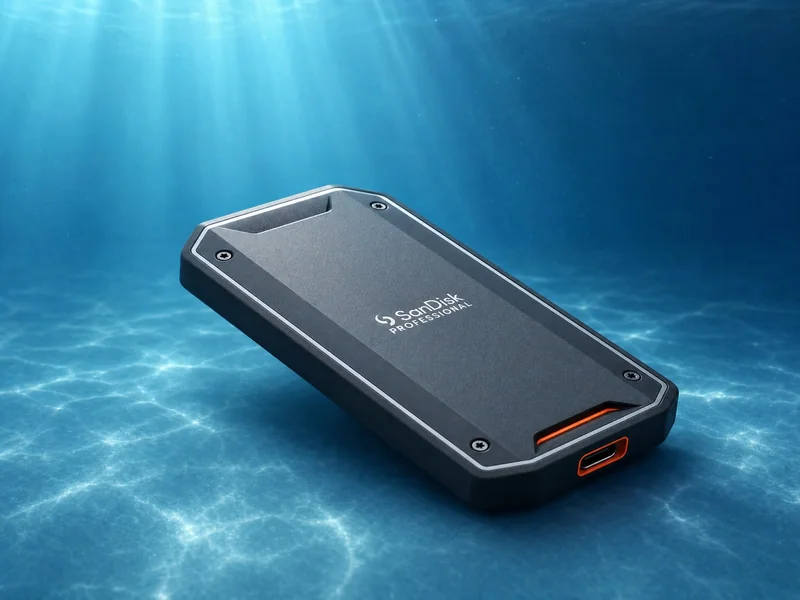
Read / Write speed :2700 / 1900 Mo/s
Waterproof rating :IP68
Drop rating :3 m
Weight :122 g
Sauvegarde terrain pro avec durabilite maximale
Approx price (2 TB)460 €
Read full reviewAlternative #2
Diver Score :9 / 10
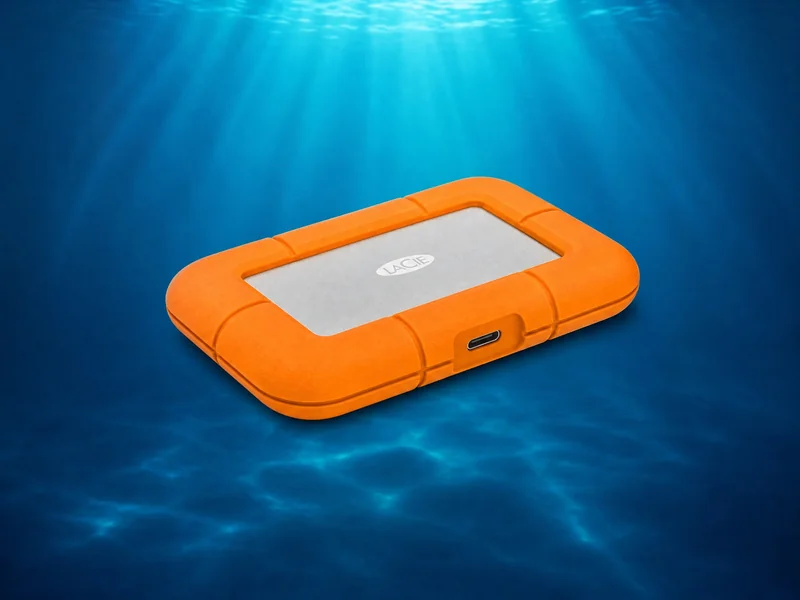
Read / Write speed :1050 / 950 Mo/s
Waterproof rating :IP67
Drop rating :3 m
Weight :110 g
Disque terrain iconique pour photographes
Approx price (2 TB)250 €
Read full reviewSpecialist Choice #3
Diver Score :9 / 10
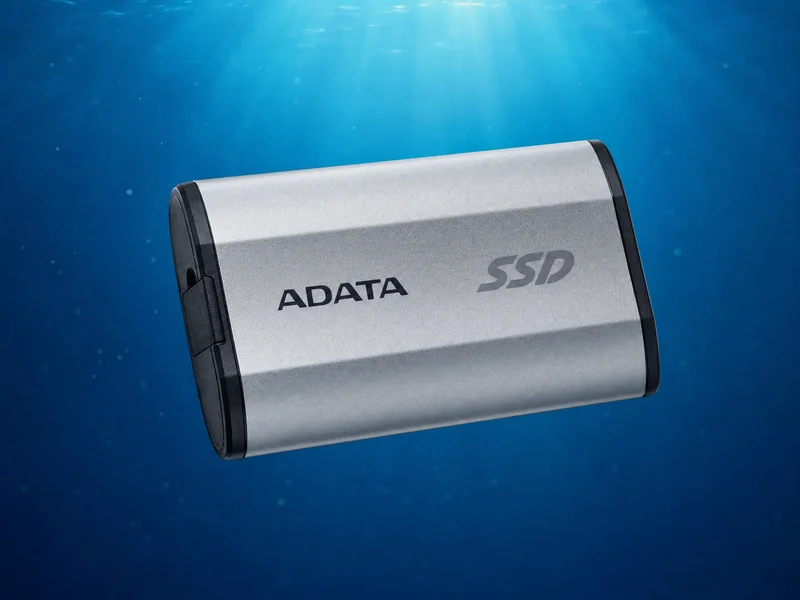
Read / Write speed :2000 / 2000 Mo/s
Waterproof rating :IP68
Drop rating :1.22 m
Weight :45 g
SSD étanche IP68 haute vitesse budget
Approx price (2 TB)145 €
Read full reviewFull Matrix, Comparator & Storage Calculator
Filters for IP rating, real-world speeds, personalized trip storage calculator, and head-to-head comparison.
Complete Directory & Manufacturer Specs
Rugged Portable SSDs Comparison Table
Official specifications, IP waterproof ratings, drop ratings, and verified diver scores.
| Model | Brand | Interface | Speed (MB/s) | IP Rating | Drop | Price 2 TB | Score | Review |
|---|---|---|---|---|---|---|---|---|
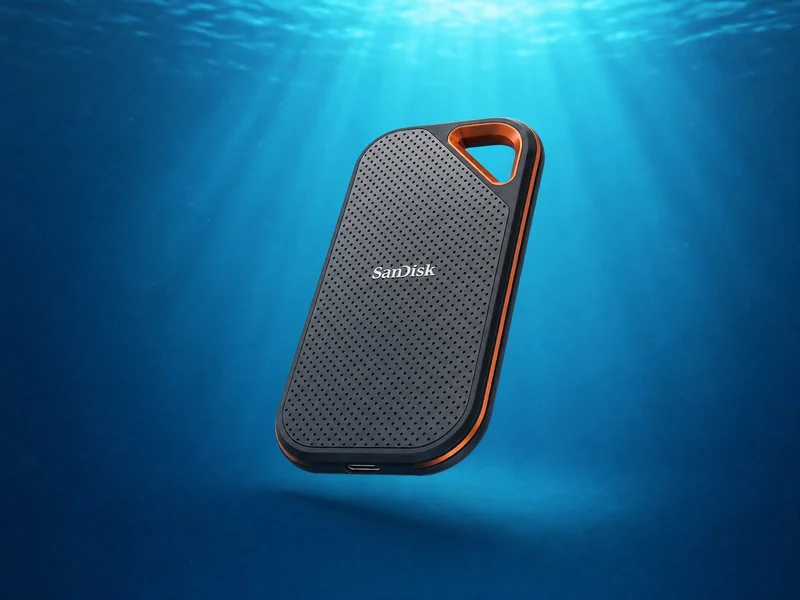 Extreme PRO Portable V2 4 To max | SanDisk | USB 3.2 Gen 2x2 | 2000 / 2000 | IP65 | 3 m | 200 € | 9 | Test |
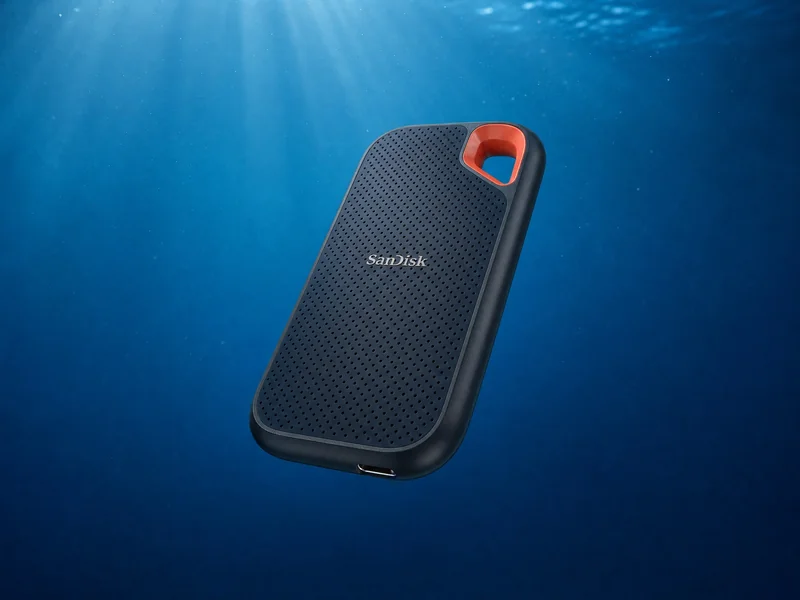 Extreme Portable V2 4 To max | SanDisk | USB 3.2 Gen 2 | 1050 / 1000 | IP65 | 3 m | 155 € | 8 | Test |
Professional PRO-G40 4 To max | SanDisk | Thunderbolt 3 / USB 3.2 Gen 2 | 2700 / 1900 | IP68 | 3 m | 460 € | 10 | Test |
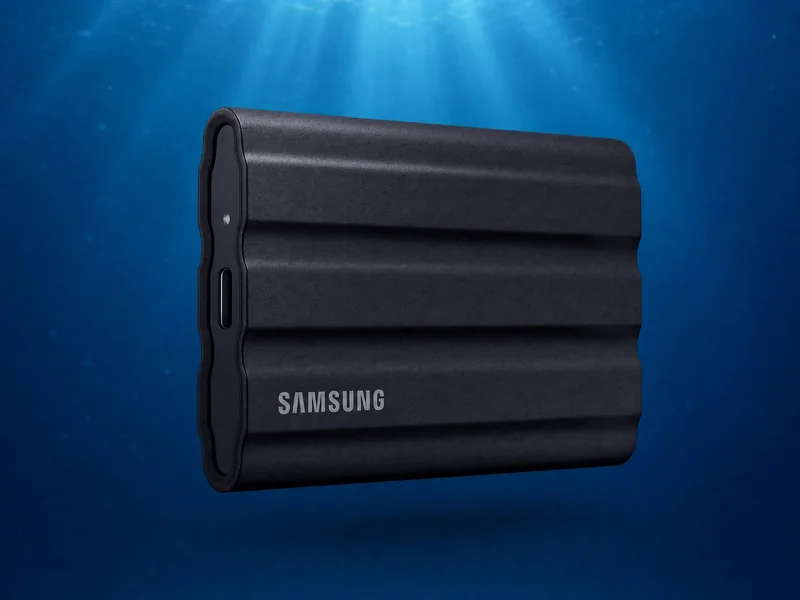 T7 Shield 4 To max | Samsung | USB 3.2 Gen 2 | 1050 / 1000 | IP65 | 3 m | 170 € | 8 | Test |
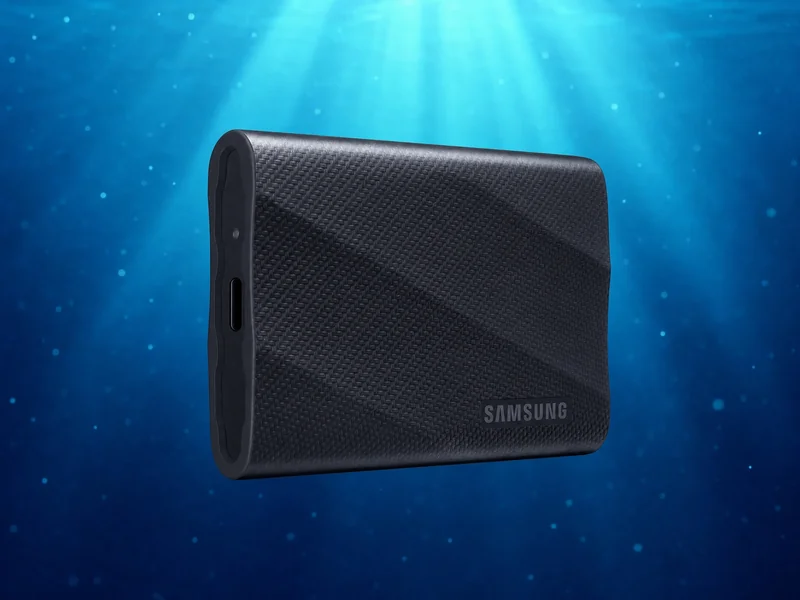 T9 4 To max | Samsung | USB 3.2 Gen 2x2 | 2000 / 2000 | Standard | 3 m | 185 € | 6 | Test |
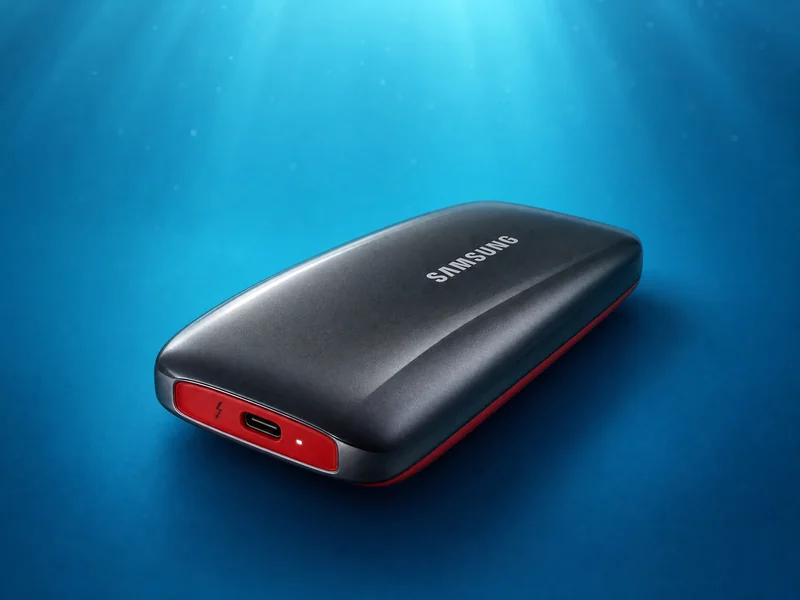 X5 2 To max | Samsung | Thunderbolt 3 | 2800 / 2300 | Standard | 2 m | 450 € | 3 | Test |
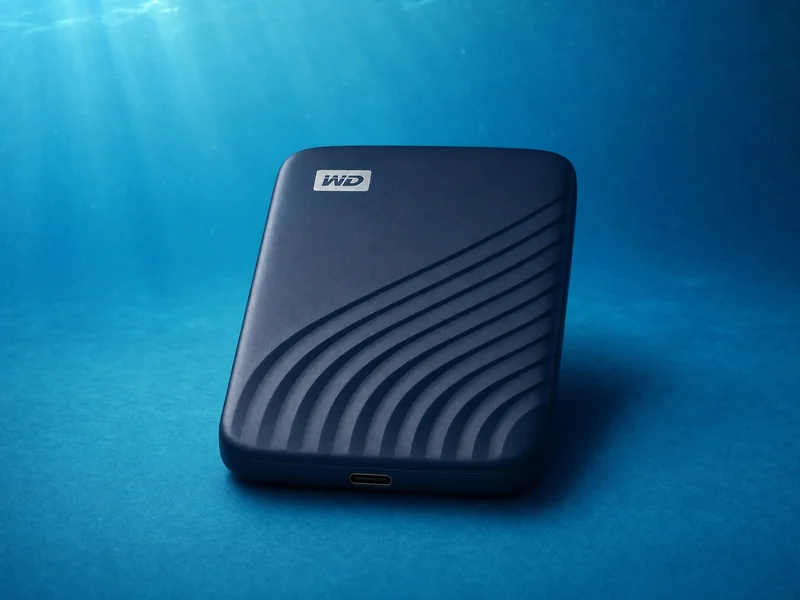 My Passport SSD 4 To max | Western Digital | USB 3.2 Gen 2 | 1050 / 1000 | Standard | 1.98 m | 180 € | 5 | Test |
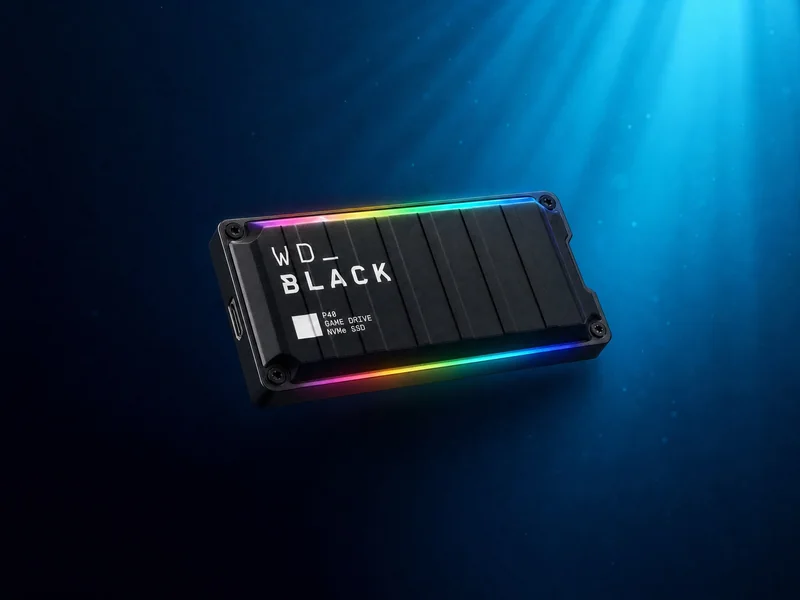 WD_BLACK P40 Game Drive 2 To max | Western Digital | USB 3.2 Gen 2x2 | 2000 / 2000 | Standard | 2 m | 200 € | 4 | Test |
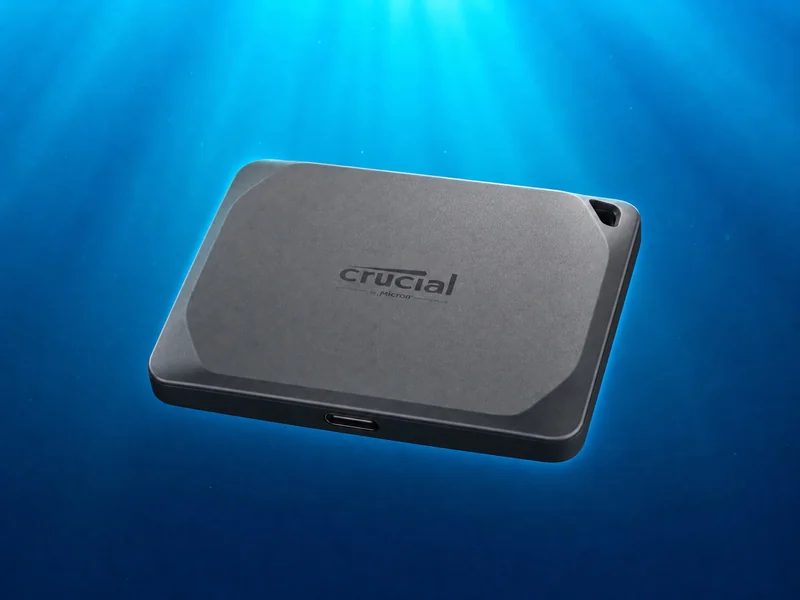 X9 Pro 4 To max | Crucial | USB 3.2 Gen 2 | 1050 / 1050 | IP55 | 2.3 m | 140 € | 7 | Test |
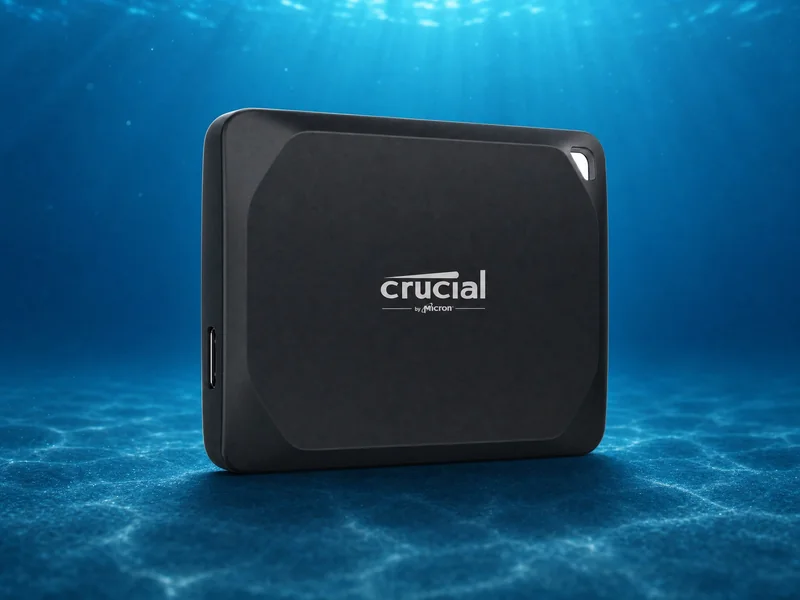 X10 Pro 4 To max | Crucial | USB 3.2 Gen 2x2 | 2100 / 2000 | IP55 | 2.3 m | 160 € | 8 | Test |
Rugged SSD 2 To max | LaCie | USB 3.2 Gen 2 | 1050 / 950 | IP67 | 3 m | 250 € | 9 | Test |
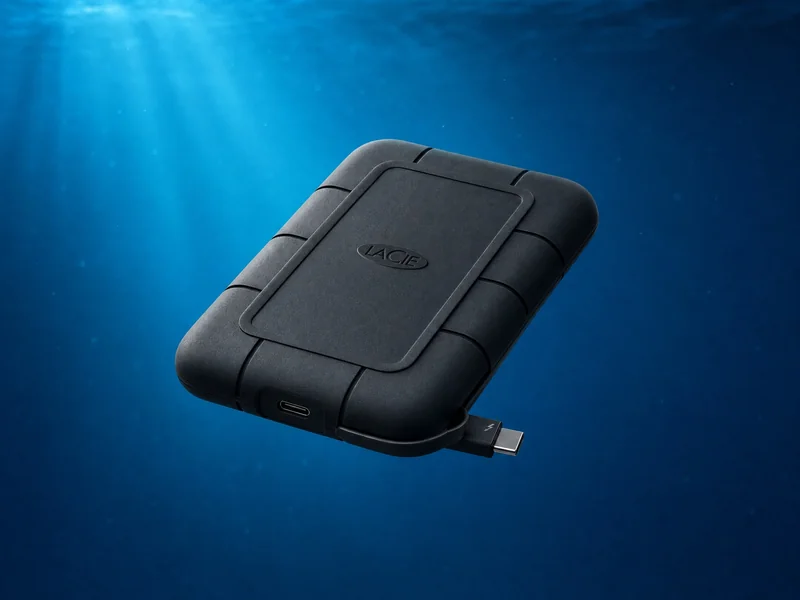 Rugged SSD Pro 2 To max | LaCie | Thunderbolt 3 / USB 3.1 Gen 2 | 2800 / 2400 | IP67 | 3 m | 650 € | 9 | Test |
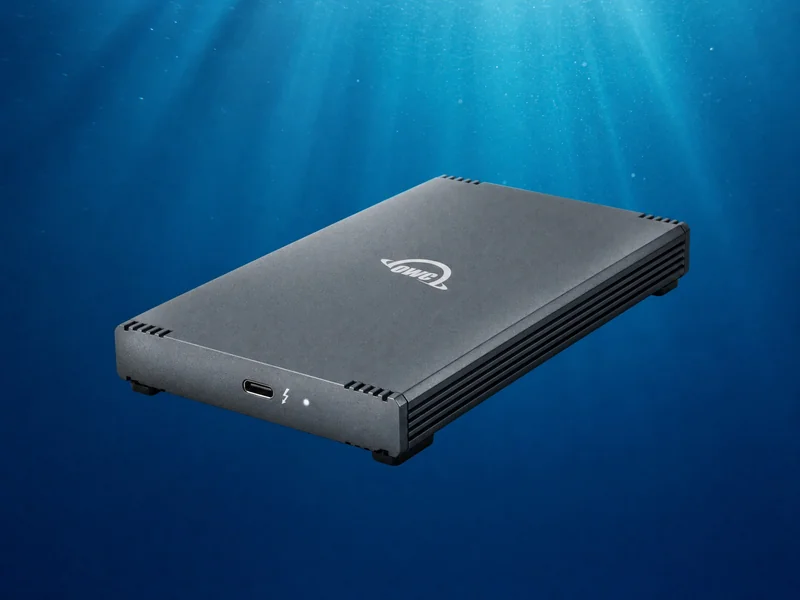 Envoy Pro FX 4 To max | OWC | Thunderbolt 3 / USB 3.2 Gen 2 | 2800 / 2800 | IP67 | 3 m | 500 € | 7 | Test |
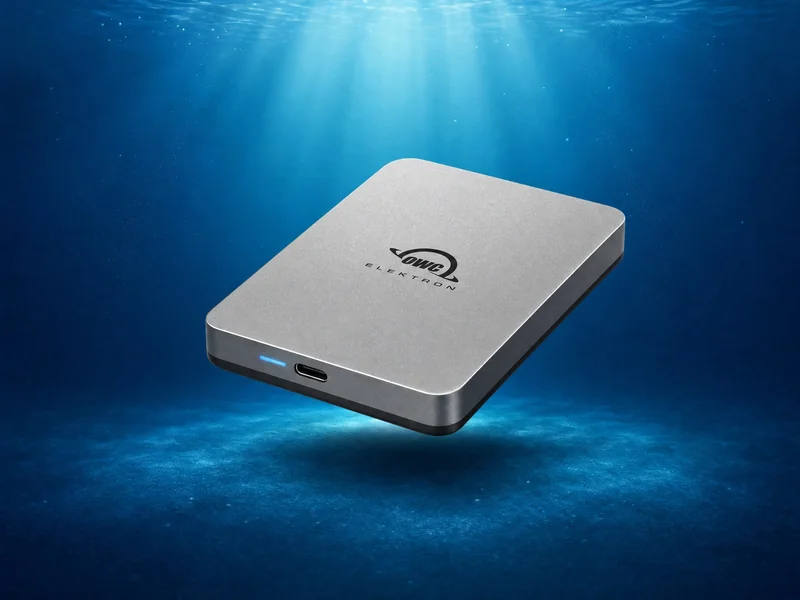 Envoy Pro Elektron 4 To max | OWC | USB 3.2 Gen 2 | 1011 / 1000 | IP67 | 3 m | 340 € | 7 | Test |
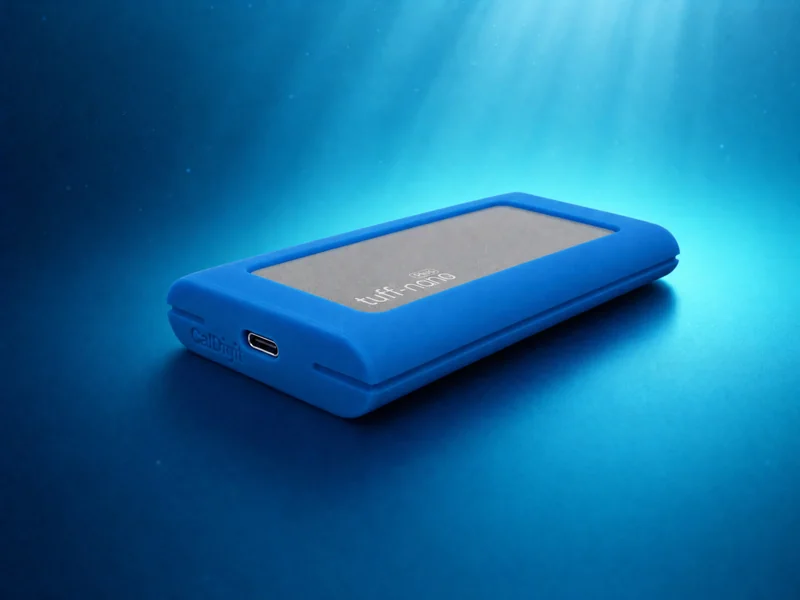 Tuff Nano Plus 2 To max | CalDigit | USB 3.2 Gen 2 | 1088 / 1000 | IP67 | 3 m | 300 € | 7 | Test |
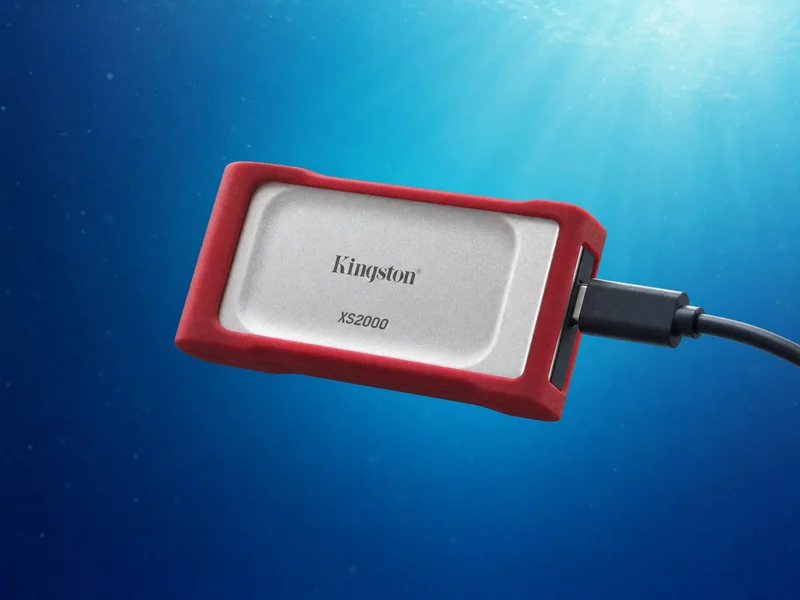 XS2000 4 To max | Kingston | USB 3.2 Gen 2x2 | 2000 / 2000 | IP55 | N/C | 150 € | 5 | Test |
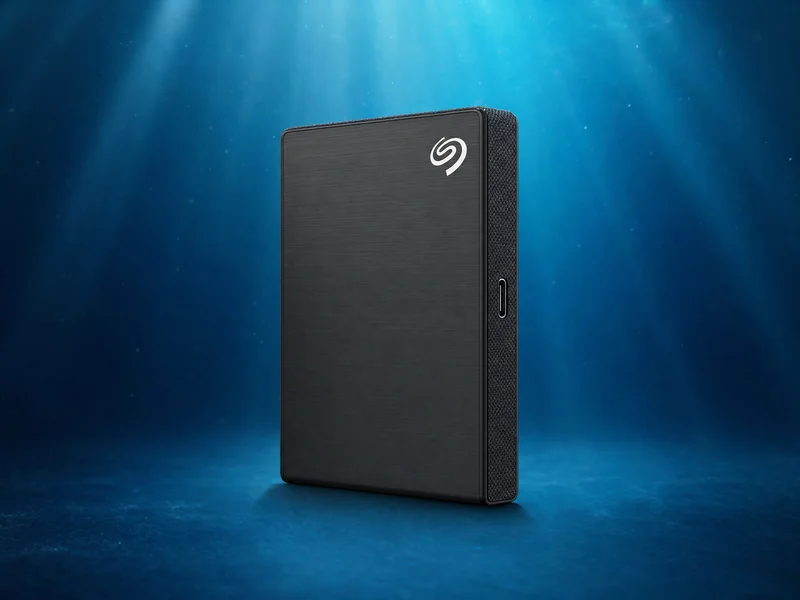 One Touch SSD 2 To max | Seagate | USB 3.2 Gen 2 | 1030 / 1000 | Standard | N/C | 120 € | 3 | Test |
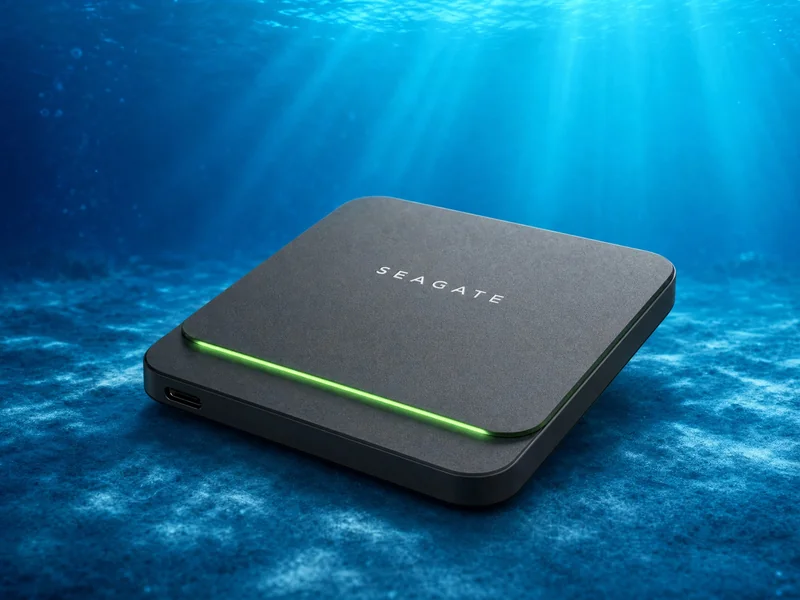 Fast SSD (BarraCuda) 2 To max | Seagate | USB 3.2 Gen 1 | 540 / 500 | Standard | N/C | 130 € | 2 | Test |
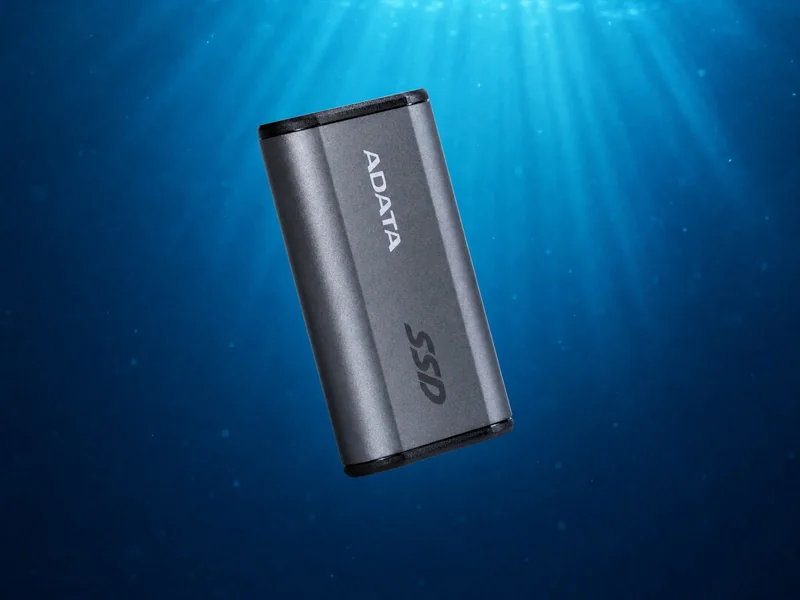 SE880 2 To max | ADATA | USB 3.2 Gen 2x2 | 2000 / 2000 | Standard | N/C | 140 € | 4 | Test |
SD810 4 To max | ADATA | USB 3.2 Gen 2x2 | 2000 / 2000 | IP68 | 1.22 m | 145 € | 9 | Test |
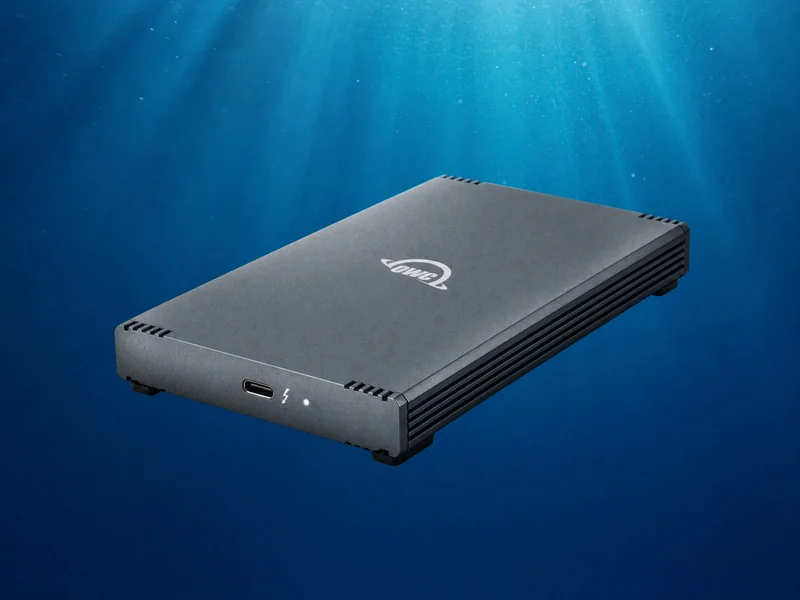 Rocket XTRM-Q 8 To max | Sabrent | Thunderbolt 3 / USB 3.2 | 2700 / 2700 | Standard | N/C | 420 € | 5 | Test |
Frequently asked questions about portable SSDs for dive travel
Which portable SSD should I choose for underwater photography and video?
Prioritize a drive certified at least IP65 against dust, sand, and spray. Waterproof IP67 or IP68 models like the SanDisk PRO-G40, LaCie Rugged SSD, and ADATA SD810 survive accidental submersion in rinse tanks or seawater.
What is the practical difference between IP65 and IP67 or IP68 on a boat?
IP65 protects against splashing water and sand on boat decks. IP67 guarantees temporary immersion up to 1 meter depth for 30 minutes, while IP68 offers extended submersion and maximum ingress protection.
Do you really need a Thunderbolt SSD for underwater photography?
For standard RAW photo workflows, USB 3.2 drives delivering 1,000 MB/s are fully sufficient. Thunderbolt speeds exceeding 2,700 MB/s are only necessary for videographers offloading hundreds of gigabytes of ProRes or RAW video daily.
How do you apply the 3-2-1 backup rule while traveling on dive trips?
The 3-2-1 rule advises 3 data copies across 2 media types with 1 offsite. During dive travel, keep your written SD cards unformatted and maintain two duplicate SSD copies stored in separate bags.
Which SSD works best with an iPad Pro for reviewing photos between dives?
USB-C iPad Pros easily power compact bus-powered drives such as the Crucial X9 Pro, Samsung T7 Shield, or SanDisk Extreme V2. You can cull and edit RAW files directly in mobile Lightroom without using tablet storage.
Why do some SSDs overheat and throttle transfer speeds in tropical climates?
In ambient temperatures above 35°C, flash memory chips experience thermal throttling under heavy continuous write loads. Choose drives with aluminum or titanium heatsink casings that dissipate heat effectively.