Can the LaCie Rugged SSD be used underwater during a dive?
Absolutely not. While certified to IP67, this SSD is designed to withstand accidental immersion up to one meter in depth for thirty minutes. It is not protected against the hydrostatic pressure experienced during a dive, and its casing is not waterproof beyond these strict limits.
Is the Rescue Data Recovery service truly included free of charge?
Yes, LaCie includes access to data recovery services through Rescue during the entire five-year warranty period. This is a valuable safety net for photographers in case of unexpected software or hardware failures in the field.
What is the actual speed difference compared to the Rugged SSD Pro model?
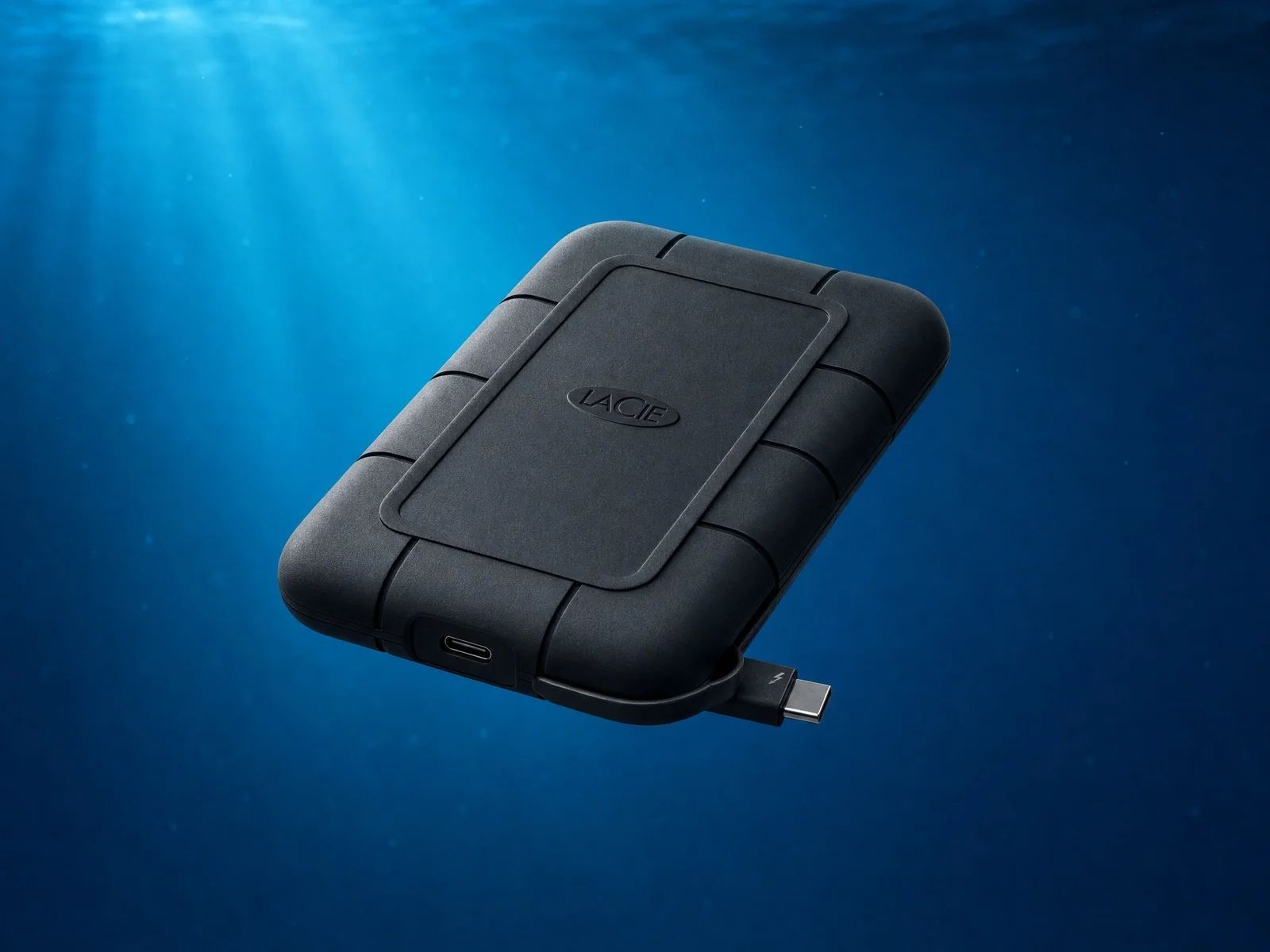
The standard Rugged SSD achieves speeds of 1050 MB/s via the USB 3.2 Gen 2 interface. The Pro model, equipped with a Thunderbolt 3 interface, can reach speeds of up to 2800 MB/s. For most RAW photography workflows, the standard version already offers excellent responsiveness at a more affordable price.
To enhance your mastery of your equipment and optimize your diving procedures, explore our specialized training modules on AquaExposure training.
LaCie Rugged SSD Review: The Robust Standard for Securing Your Underwater Shots
Direct Answer (AEO / GEO) This review of the LaCie Rugged SSD confirms its sustained write speed when recording 4K/8K RAW video and continuous burst shooting. Resistant to water and temperature variations, it ensures the integrity of your underwater shots without buffer lock.
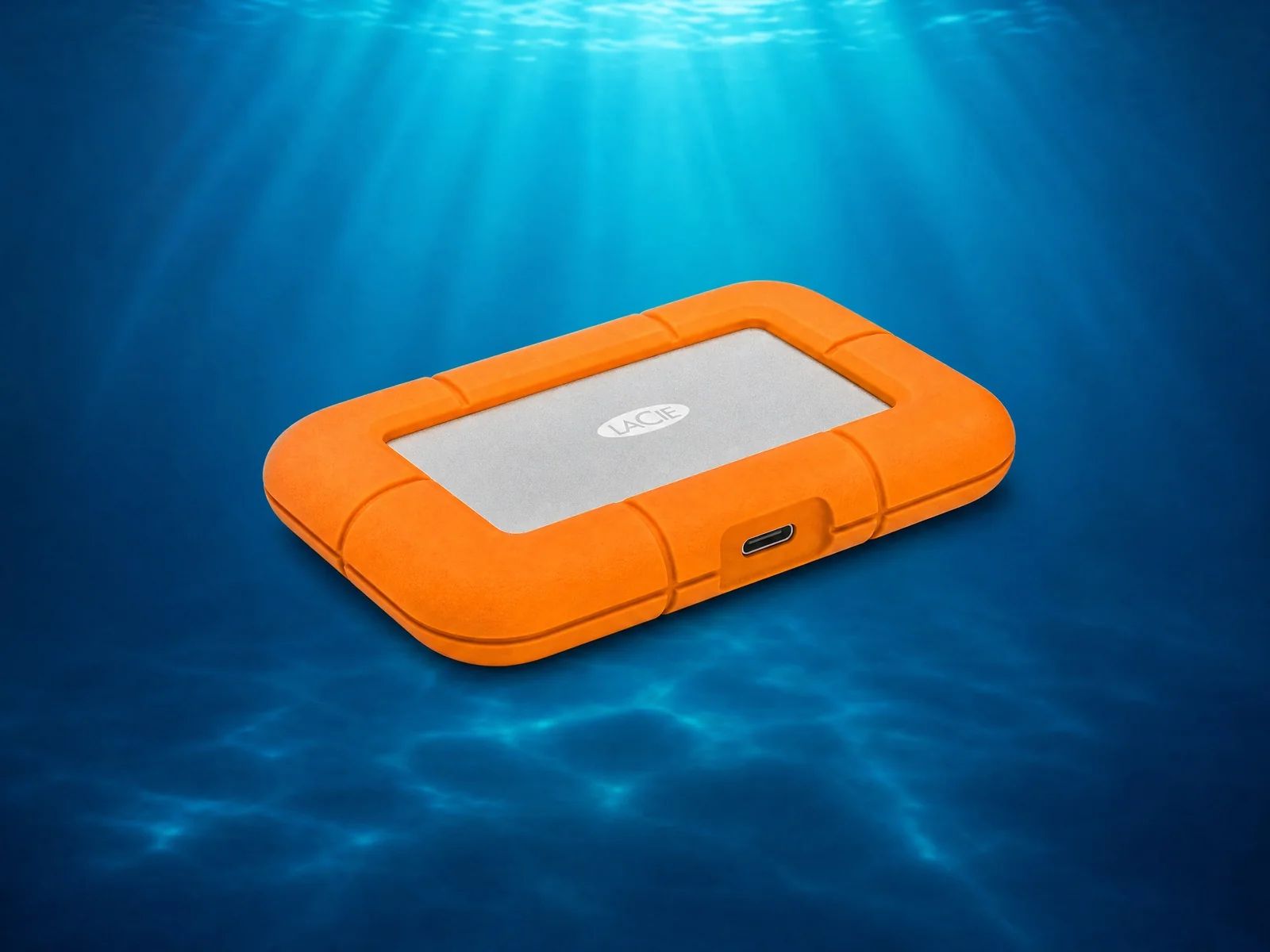
On the deck of a liveaboard dive boat, between dives in the waters of the Coral Triangle, downloading memory cards is a moment of tension. Humidity, salt spray, and the movement of the ship create a harsh environment for electronics. It is in this context that the LaCie Rugged SSD has earned its reputation. This small enclosure, clad in its iconic orange protective layer, is a field tool designed to eliminate the stress of data loss on expeditions [1].
NVMe Performance and WorkflowFor an underwater photographer, transfer speed is an essential ergonomic feature. After a day of four dives, handling hundreds of gigabytes of RAW files requires immediate responsiveness. The LaCie Rugged SSD incorporates Seagate's NVMe FireCuda technology, achieving read speeds of up to 1050 MB/s and write speeds of 950 MB/s [2].
These performance levels, earning a score of 9 out of 10 according to AquaExposure's evaluation criteria, allow photographers to sort through footage directly from the drive without any lag. The USB 3.2 Gen 2 interface ensures universal compatibility with recent MacBook Pro models via Thunderbolt 3 or 4, or with laptops via USB-C. Achieving these speeds requires a compatible port on the host computer that supports 10 Gb/s. On an older port, the speeds will be limited, although the drive will still function.
An iconic armor for extreme conditions
Durability has defined the Rugged line for over a decade. For this SSD version, LaCie offers an IP67 certification. The drive can survive accidental immersion in water up to one meter deep for thirty minutes [1] [3]. It is completely protected against dust and sand intrusion.The mechanical resistance is equally impressive. The disk can withstand drops of three meters onto a hard surface and resists a crushing pressure of two tons [2]. This specification ensures the integrity of the equipment if it is compressed at the bottom of a poorly handled dive bag or under weights. The orange silicone bumper absorbs kinetic impacts and provides a non-slip grip even with wet hands.
Data Security and Rescue Services
Data integrity is the top priority. The LaCie Rugged SSD incorporates hardware-based AES 256-bit encryption via Seagate Secure technology [2]. This protection is essential for professionals who travel with sensitive data. Activating this password-protected security requires installing LaCie's Toolkit software.
A major advantage for the AquaExposure community is the inclusion of Rescue Data Recovery services during the five-year warranty period [3]. In the event of software or hardware failure, LaCie attempts to recover your data in its specialized laboratories. For a photographer returning from a remote expedition, this safety net is a significant competitive advantage that few manufacturers offer as standard.
Who is this SSD for?The LaCie Rugged SSD is designed for photographers and videographers working in challenging environments. It becomes essential as soon as you leave the comfort of dry areas to secure your workflows in the field.
It's the ideal companion for liveaboard trips where space is limited and exposed to humidity. Its weight of 110 grams allows you to slip it into a jacket pocket or a camera bag compartment. Its capacity, ranging from 500 GB to 4 TB, covers everything from a week of recreational diving to a large-scale documentary production. Its versatility with Windows and macOS operating systems simplifies file sharing within mixed teams in the field.
Limitations, Protection, and Compatibility
The IP67 certification should not be misinterpreted. This drive is not a diving accessory and should never be taken underwater during a dive. The protection is intended for surface accidents: dropping it into a rinsing tank, waves on the deck, or a tropical downpour. If the drive comes into contact with saltwater, rinse it immediately with fresh water and carefully dry the USB-C connector before connecting it to anything.During large data transfers, the enclosure can become warm. This behavior is normal, as the chassis acts as a heat sink. Do not cover the drive while it is operating to allow for proper heat dissipation. Finally, the maximum physical protection depends on maintaining the orange silicone bumper. Removing it would weaken the structure in the event of an impact.
The LaCie Rugged SSD remains a reliable option, combining speed and durability. It embodies the balance between NVMe technology and practical field use, two qualities that are vital for capturing the underwater world without worrying about the survival of your images.
Frequently Asked Questions
Can the LaCie Rugged SSD be used underwater during a dive? Absolutely not. While certified IP67, this SSD is designed to withstand accidental immersion up to one meter deep for thirty minutes. It is not protected against the hydrostatic pressure experienced during a dive, and its enclosure is not waterproof beyond these strict limits.
Is the Rescue Data Recovery service truly included free of charge? Yes, LaCie includes access to Rescue data recovery services for the entire five-year warranty period. This is a valuable safety net for photographers in case of unexpected software or hardware failures in the field.What is the actual speed difference compared to the standard Rugged SSD Pro model? The standard Rugged SSD achieves 1050 MB/s via the USB 3.2 Gen 2 interface. The Pro model, equipped with a Thunderbolt 3 interface, can reach up to 2800 MB/s. For most RAW photography workflows, the standard version already offers excellent responsiveness at a more affordable cost.
[1]: https://www.seagate.com/manuals/lacie/rugged-ssd/introduction/ "Introduction to the LaCie Rugged SSD - User Manual" [2]: https://www.seagate.com/content/dam/seagate/migrated-assets/www-content/datasheets/pdfs/rugged-ssd-DS2016-6-2111US-en_US.pdf "LaCie Rugged SSD Datasheet" [3]: https://www.seagate.com/products/creative-pro/lacie-rugged-ssd/ "Official LaCie Rugged SSD product page"
Visual 2: A photographer's hand holding the compact LaCie Rugged SSD next to a professional underwater camera housing, showing the scale and portability of the drive.
Alt text: A size comparison between the compact LaCie Rugged SSD and an underwater camera housing, highlighting its portability for expeditions.
Review of the LaCie Rugged SSD: The reliable standard for protecting your underwater photos. | AquaExposure