6/11
55%
Chapter 6 — technique
The Science of Color in Underwater Photography
RGB and Lab models, bit depth, sRGB and Adobe RGB color spaces. Understand color to better reproduce it underwater.
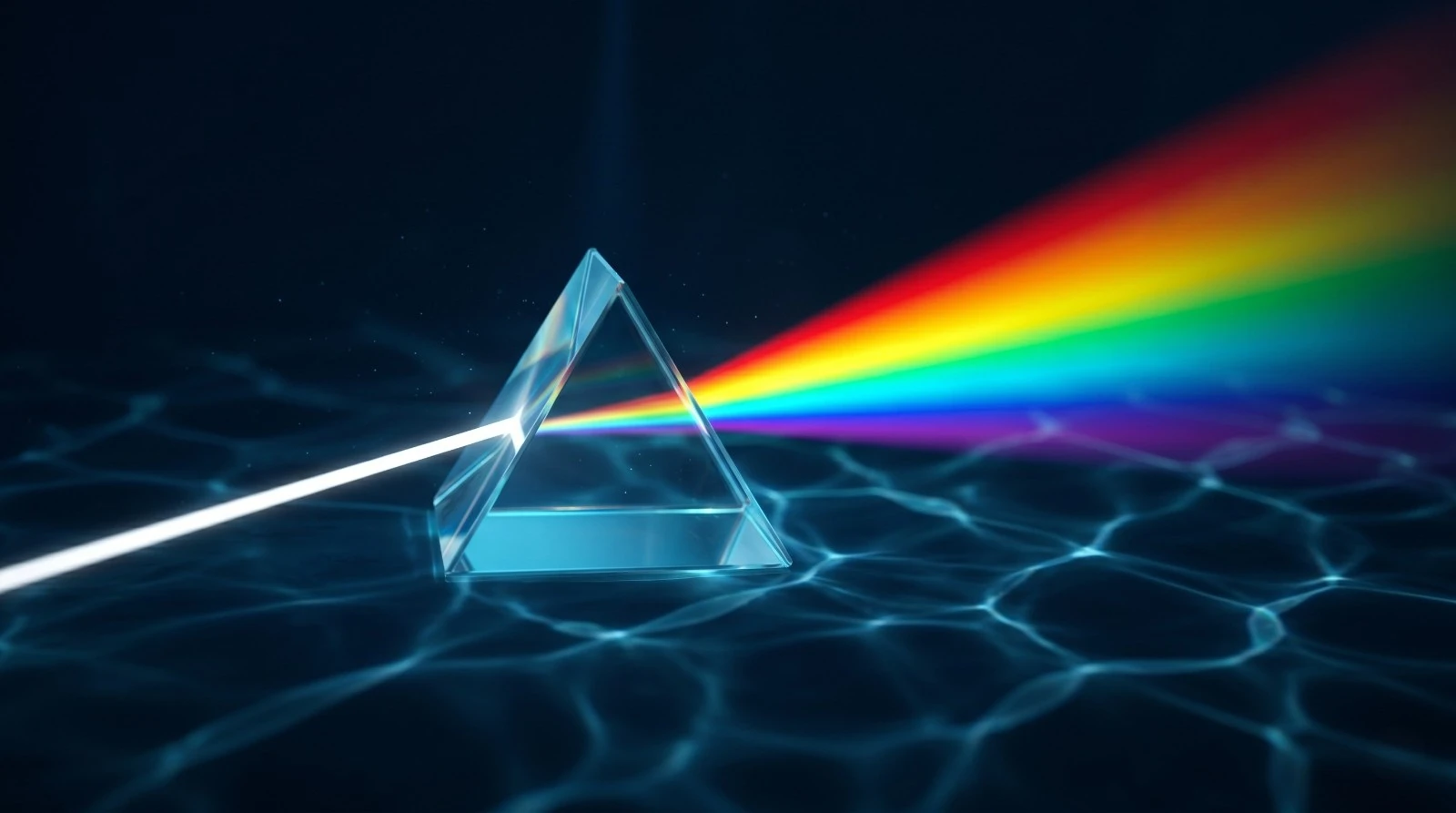
Color Models: RGB and Lab
The RGB (Red, Green, Blue) model is the standard for sensors and displays. It's an additive model: mixing red, green, and blue at maximum intensity produces white.
The Lab model separates luminance (L) from chroma (a = green-red axis, b = blue-yellow axis). When editing underwater, working in Lab allows you to adjust colors without affecting the luminance.
Bit Depth: 8 bits (JPEG) = 256 levels = 16.7 million colors. 14 bits (RAW) = 16,384 levels = billions of shades. Essential for underwater image post-production.
Color Spaces: sRGB and Adobe RGB
| Characteristic | sRGB | Adobe RGB |
|---|---|---|
| Color Range | Standard (narrower) | Extended (+35% greens/cyans) |
| Main Use | Web, social media | Printing, post-production |
| Underwater Relevance | Final export | Capture and editing |
Underwater Application
The underwater world is dominated by blues, greens, and cyans, which is precisely the area where Adobe RGB offers the most nuances. Capturing in Adobe RGB (or RAW) ensures that you retain all the chromatic richness of the reef.
🧪 Outils interactifs
Frequently asked questions
Faut-il utiliser sRGB ou Adobe RGB pour la photo sous-marine ?
Adobe RGB (ou RAW) pour capturer la gamme la plus large. Adobe RGB preserve mieux les bleus/cyans. sRGB uniquement pour l'export web.
Quelle profondeur de bits choisir sous l'eau ?
La plus elevee : RAW 14 bits = 16 384 niveaux par canal contre 256 en JPEG 8 bits. Crucial pour corriger la dominante bleue sans posterisation.
Pourquoi mes couleurs sous-marines sont-elles fades ?
L'eau absorbe les rouges des les premiers metres. La reponse est double : se rapprocher du sujet pour reduire la colonne d'eau traversee, et photographier en RAW pour que le post-traitement restaure les couleurs perdues.