What is the best underwater colour-correction app in 2026?
None wins on every front. AquaColorFix fixes photo and video in one tap, DiverOut offers free restoration with no watermark and batch processing, Topaz Photo AI shines on motion blur and noise rather than colour. The right tool depends on your volume and your final standard.
Do AI apps replace Lightroom for underwater photography?
No, not for anyone who wants control. AI gives an excellent first pass in seconds, but working step by step in Lightroom or DaVinci Resolve keeps the edge on the consistency of a series and on images meant for publication.
Can artificial intelligence save an underexposed or noisy photo?
Only in part. AI recovers what exists in the file, especially in RAW. But an image that failed at capture stays limited, because a sensor that did not record the information cannot invent it afterwards.
Do you still need to shoot RAW if you correct with an app?
Yes. RAW preserves all the colour and exposure latitude the algorithm needs to work. An already compressed JPEG limits the app, whether it is manual or automatic.
Correcting your underwater photo colours with AI: what the one-tap apps are really worth
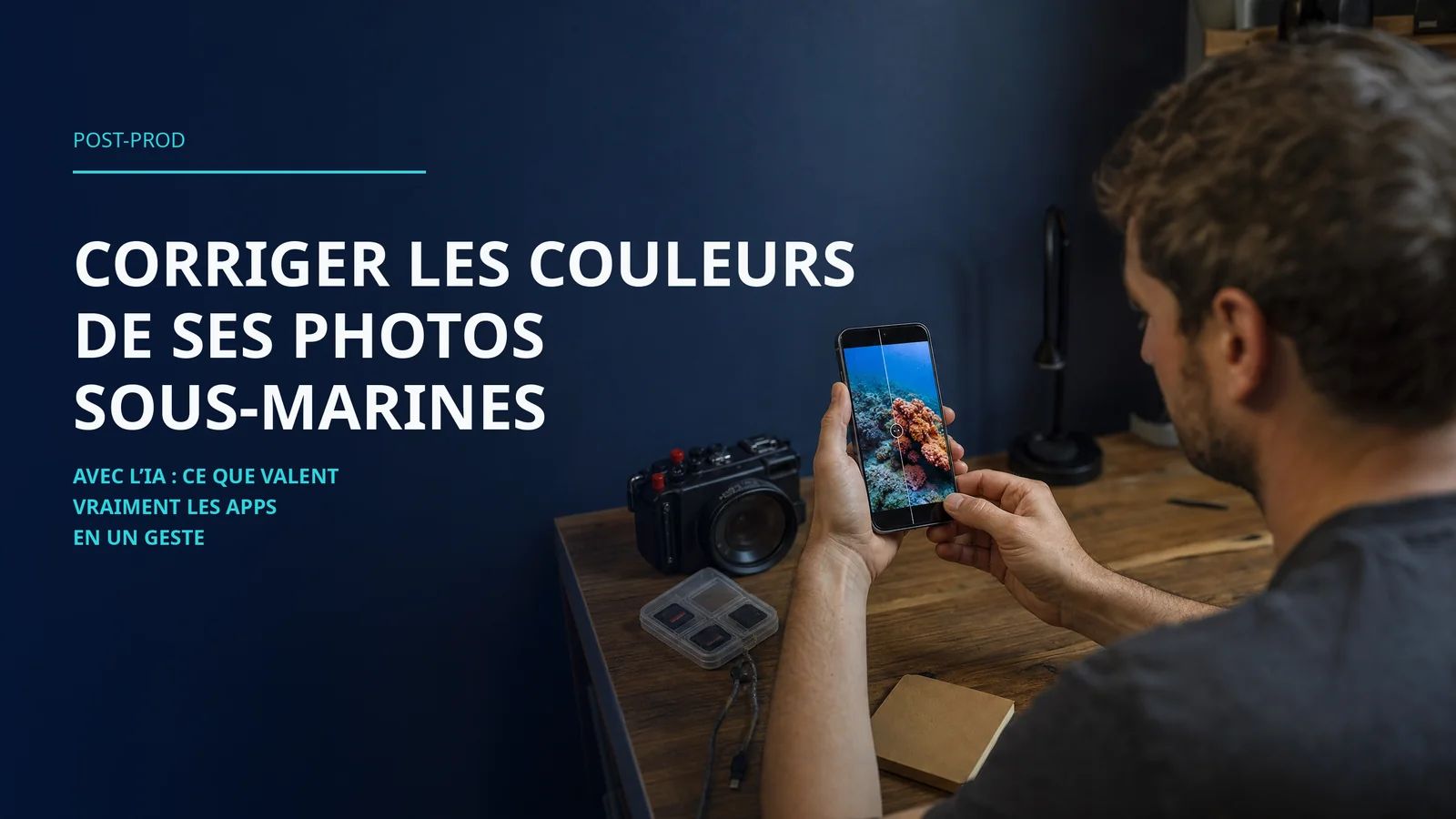
Only a few years ago, recovering the colours of a dive photo meant knowing Lightroom, understanding the curves, and accepting that you would spend time on it. Today, a handful of apps promise to do the same job in a single tap.
Every time someone shows me their first dive images, the same disappointment comes back. That blue that swallows everything, the coral turning a dull grey, the fish losing its dress. So when an app claims it fixes all that in one click, the urge to believe it is immense.
The promise is beautiful. Let us see what it is worth once the camera is put away and the computer is on.
Why water erases colours
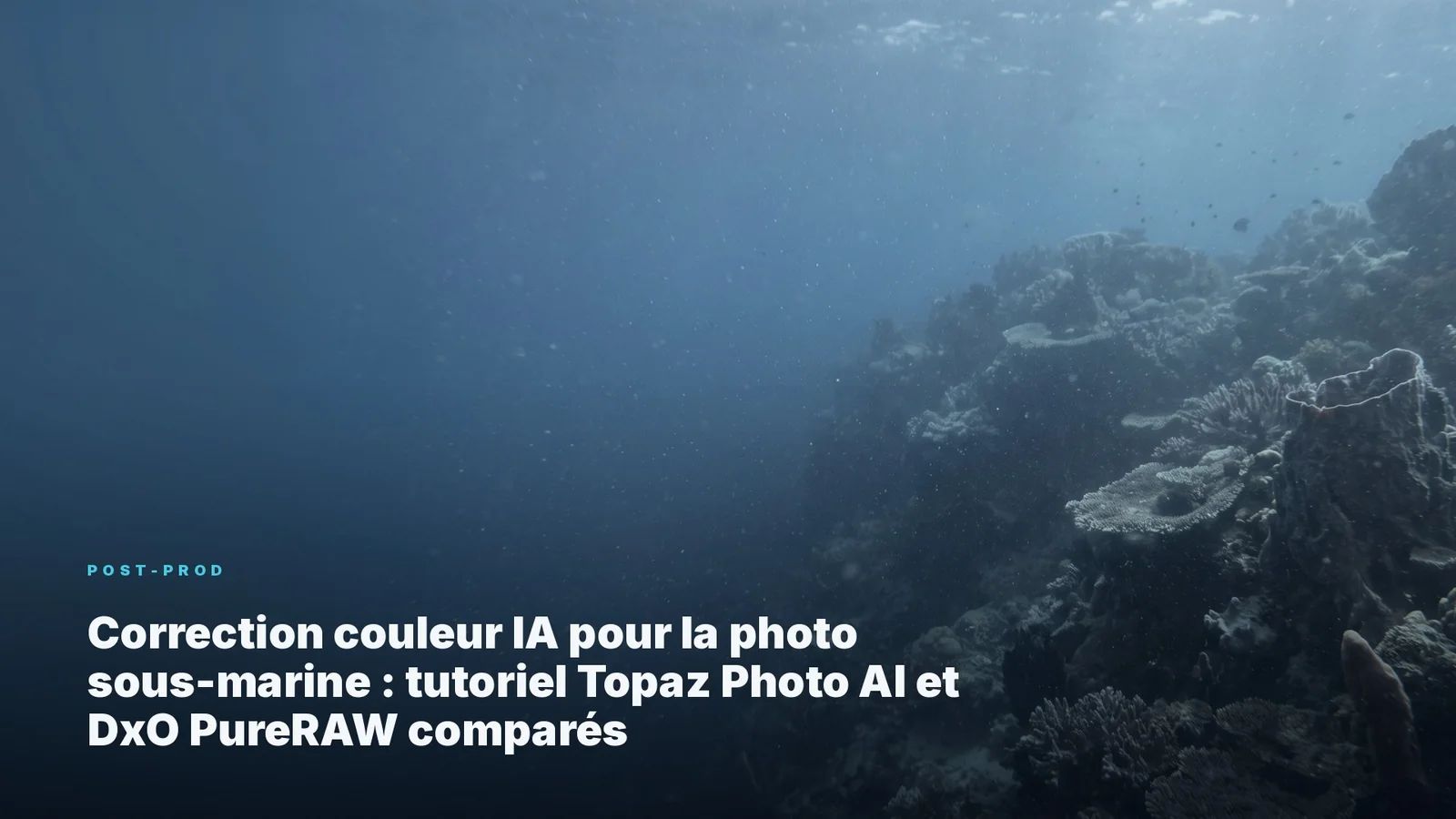
Before talking software, you have to understand what you are trying to repair. The loss of colours at depth is not a settings error, it is a property of water. Red fades within the first few metres, orange follows, yellow disappears deeper down. Water behaves like an optical filter that eats the warm light as you descend.
I have detailed this physics, step by step, in a dedicated article on colour correction at depth. The essential point here fits in one sentence. If the colour information was never captured, no software will bring it back by magic.
The apps that correct in one tap
The 2026 landscape has grown denser, and three names come up most often.
AquaColorFix was updated in the spring of 2026 and turns the blue-green casts into natural colours with a single press, on photo as well as video. It is the most consumer-oriented tool, built for the phone and for quick sharing.
DiverOut plays another card. Its AI colour restoration is free, with no watermark, and a batch processing that chews through the work when you come back from a dive with two hundred files to sort.
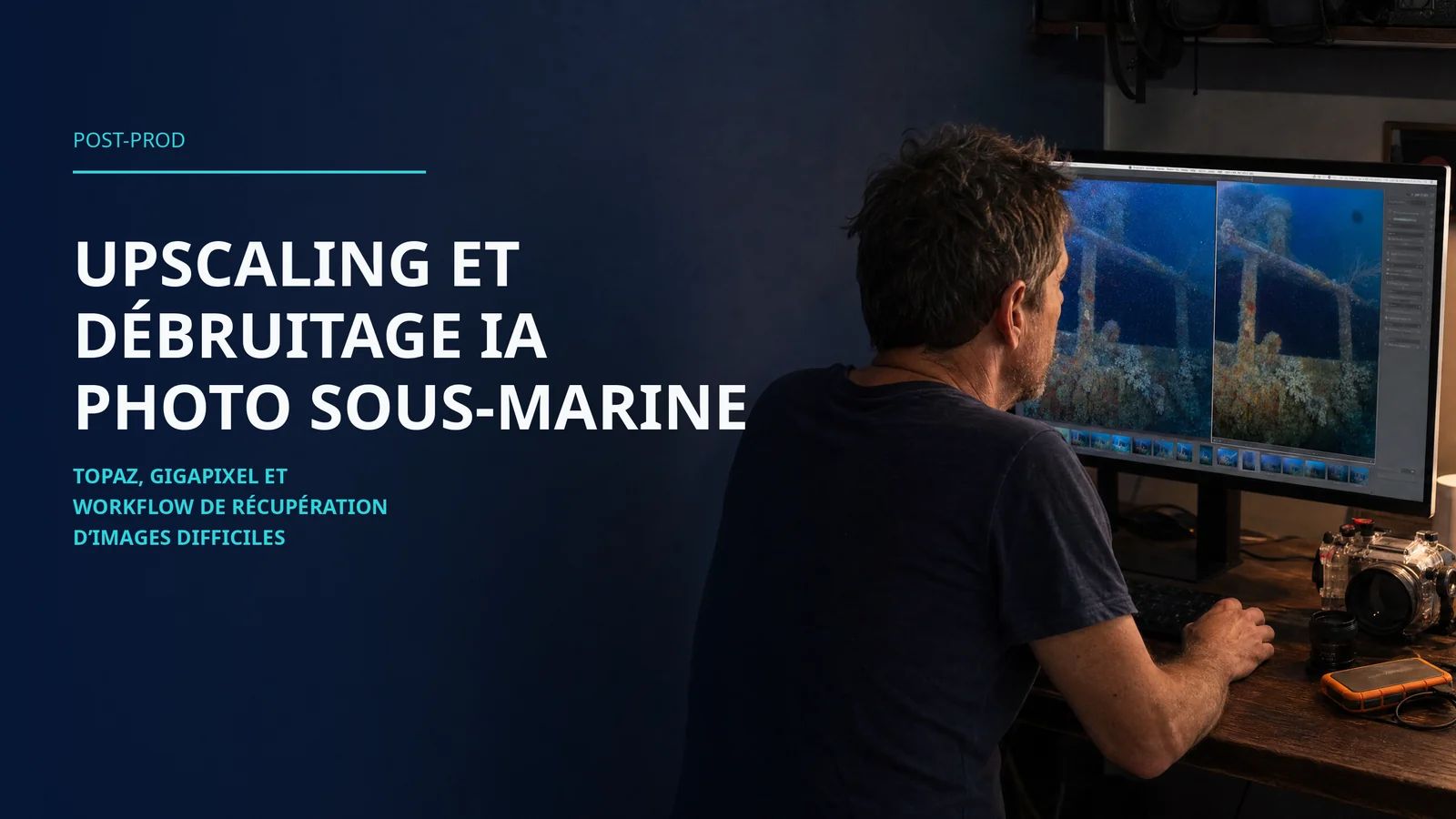
Topaz Photo AI does not really correct colour. Its strength lies elsewhere. It removes motion blur and digital noise, those two scourges of images shot in fading light. You use it as a complement, not a replacement.
Alongside this trio, solutions like Imagen target high volumes by learning your style on a personal profile, and apps like Dive+ apply an automatic correction based on the detected scene. There is no shortage of choice. Discernment, on the other hand, is still up to you.
AquaColorFix v2: What Changed (July 2026 Update)
Since this article was written, AquaColorFix received an update worth noting. Not a revolution - a serious evolution across six points.
One-tap video correction. This was the major missing link in the previous version. V2 extends the same logic (one tap to fix blue or green cast) to video clips. It opens the app to a different usage: quickly correcting a GoPro or Insta360 clip before sharing it, without going through DaVinci Resolve.
Saveable presets. The app used to remember the correction but did not allow naming different configurations for different conditions (blue water in the Maldives vs green water in the English Channel). V2 fixes this: you create and name your own presets, available from session to session.
Continued editing after AI. Previously, the automatic correction locked the result. Now you can keep adjusting manually after the initial pass. AI becomes a starting point rather than a final decision.
RAW vs JPEG choice. When an iPhone produces both formats, the app automatically detects RAW presence and offers to work on that file. In practice, RAW correction gives more latitude in highlights and shadows.
HEIF export and custom folders. Option to save in HEIF (native Apple format, more compact than JPEG) and select a destination folder without going through the Photos gallery.
What v2 does not change: correction still applies to the whole image, without mask or zone management. At 5 metres in clear tropical water, AquaColorFix gives results very close to manual editing. At 20 metres in murky water, color casts are more complex and automatic correction can overcompensate. Core precision remains on the Lightroom side.
What AI really gets right
Let us be fair, because these tools deserve it. On a properly exposed image, the time saved is spectacular. Where manual work took several minutes per photo, the algorithm proposes a clean result in seconds.
For someone starting out, it is a precious doorway. Seeing your colours come back at once makes you want to keep going, to learn, to dive again. AI repairs what can be repaired, and it gives life back to a tired image.
For everyday use, quick sorting, the memory you share that same evening, these apps do the job perfectly. And there is no shame in using them.
What it still gets wrong
The promise quickly reaches its limits, and it is better to know them before being let down.
The algorithm tends to apply a uniform recipe, to push red and magenta the same way across the whole image. On a complex scene, with green water and a dark subject, the result sometimes rings false. The machine corrects without understanding what it is looking at.
Above all, AI does not replace a clean capture. A video that failed at the source stays a failed video, even after a pass through an algorithm. An underexposed, noisy, badly balanced file does not hold the necessary information, and no app guesses what the sensor did not see.
When to prefer manual work
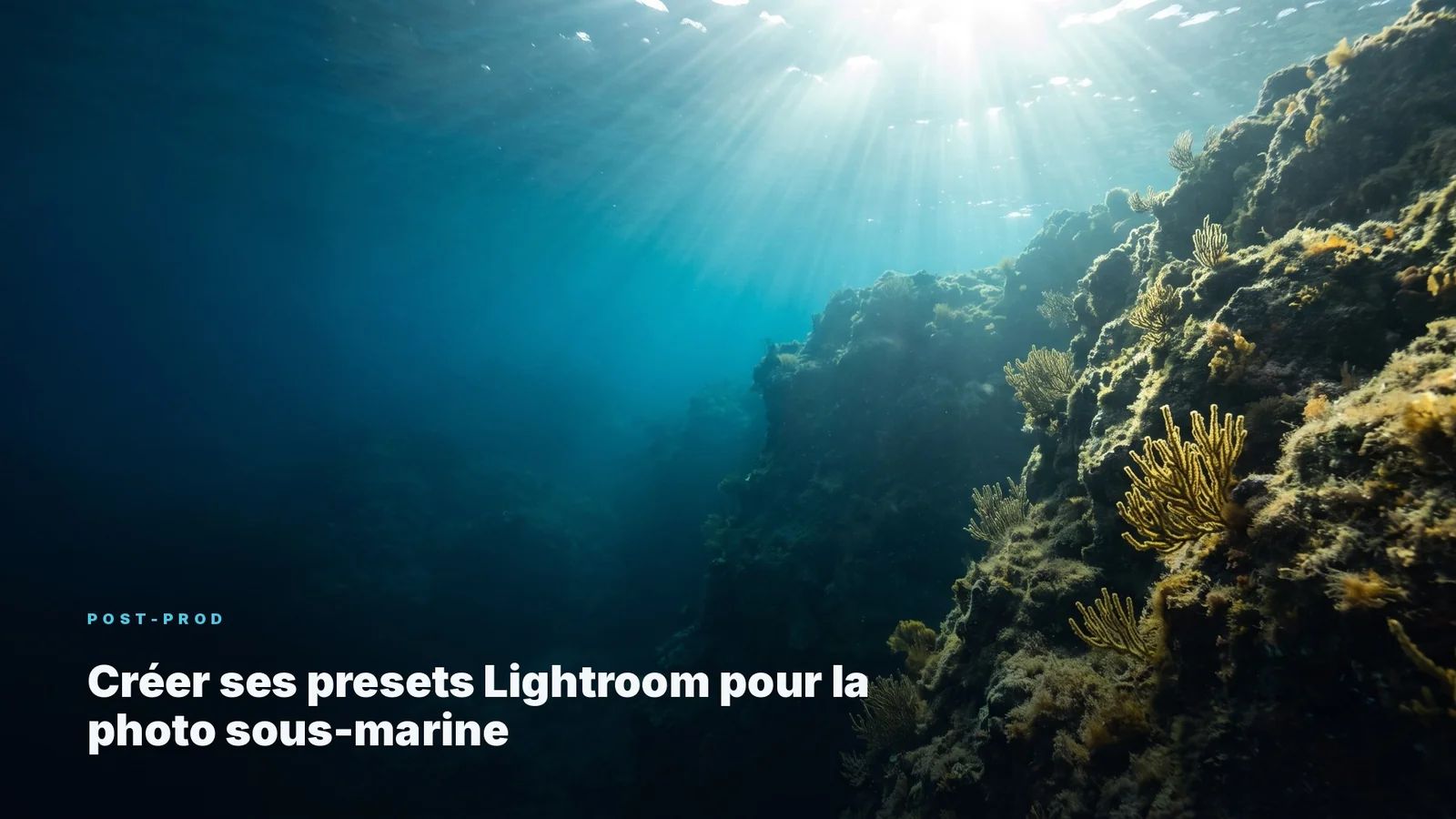
For the images that truly matter, the ones you want to publish, exhibit, keep, control stays on the manual side. Step-by-step adjustment in Lightroom, or node-by-node work in DaVinci Resolve for video, offers a precision the automatic approach does not yet touch.
This is also true for the consistency of a whole series, where every image must speak to the others. A shortcut like underwater LUTs keeps that logic of control while speeding up the gesture. The app decides for you, the manual approach lets you decide. That is the whole point.
The workflow I recommend
Here is how I bring the two worlds together, without setting one against the other.
It all starts at capture. You shoot RAW, fixed white balance, controlled exposure, because the raw material decides everything else. No artificial intelligence rescues a bad starting file.
Back home, the AI app serves as a first sort. It roughs things out, it reveals at a glance the images worth keeping, it saves precious time on volume. Then, on the handful of images you truly want to release, you take back control with the mouse. The fast gesture to sort, the slow gesture to finish.
I test these tools before recommending them, because the best software remains the one you barely need to call on.
FAQ
What is the best underwater colour-correction app in 2026?
None wins on every front. AquaColorFix fixes photo and video in one tap, DiverOut offers free restoration with no watermark and batch processing, Topaz Photo AI shines on motion blur and noise rather than colour. The right tool depends on your volume and your final standard.
Do AI apps replace Lightroom for underwater photography?
No, not for anyone who wants control. AI gives an excellent first pass in seconds, but working step by step in Lightroom or DaVinci Resolve keeps the edge on the consistency of a series and on images meant for publication.
Can artificial intelligence save an underexposed or noisy photo?
Only in part. AI recovers what exists in the file, especially in RAW. But an image that failed at capture stays limited, because a sensor that did not record the information cannot invent it afterwards.
Do you still need to shoot RAW if you correct with an app?
Yes. RAW preserves all the colour and exposure latitude the algorithm needs to work. An already compressed JPEG limits the app, whether it is manual or automatic.
Want to understand your colours instead of handing them to a machine? Our training teaches you the capture and the editing that make the difference, from the quick sort to the final image.